Generic PCI Devices
This guide describes how to assign generic PCI devices directly to Virtual Machines. Examples include NVMe controllers, SATA or SAS host bus adapters, USB controllers, audio devices, FPGAs, and other accelerators. For network adapters and GPUs, use the corresponding device-specific guides.
PCI passthrough operates on PCI functions. For example, passing through a storage controller gives the Virtual Machine control of the controller and its attached disks; passing through a USB controller gives it control of the controller and its downstream USB devices. It does not pass an individual non-PCI disk or USB peripheral.
Requirements
Before assigning a PCI device:
- Complete the Host Configuration Guide.
- Configure PCI monitoring so that OpenNebula discovers the device.
- Verify that every device in the same IOMMU group is prepared for passthrough and can be assigned to the same Virtual Machine.
- Ensure that the guest operating system provides a driver for the device.
Inspecting Available Devices
Display the PCI devices discovered on a Host:
onehost show <host>
The PCI Devices section reports each device’s PCI address, vendor, device and class identifiers, and the ID of the Virtual Machine using it. Refer to the Host PCI Devices reference for the complete set of monitored attributes.
In Sunstone, select Infrastructure, Hosts, the required Host, and then the PCI tab:
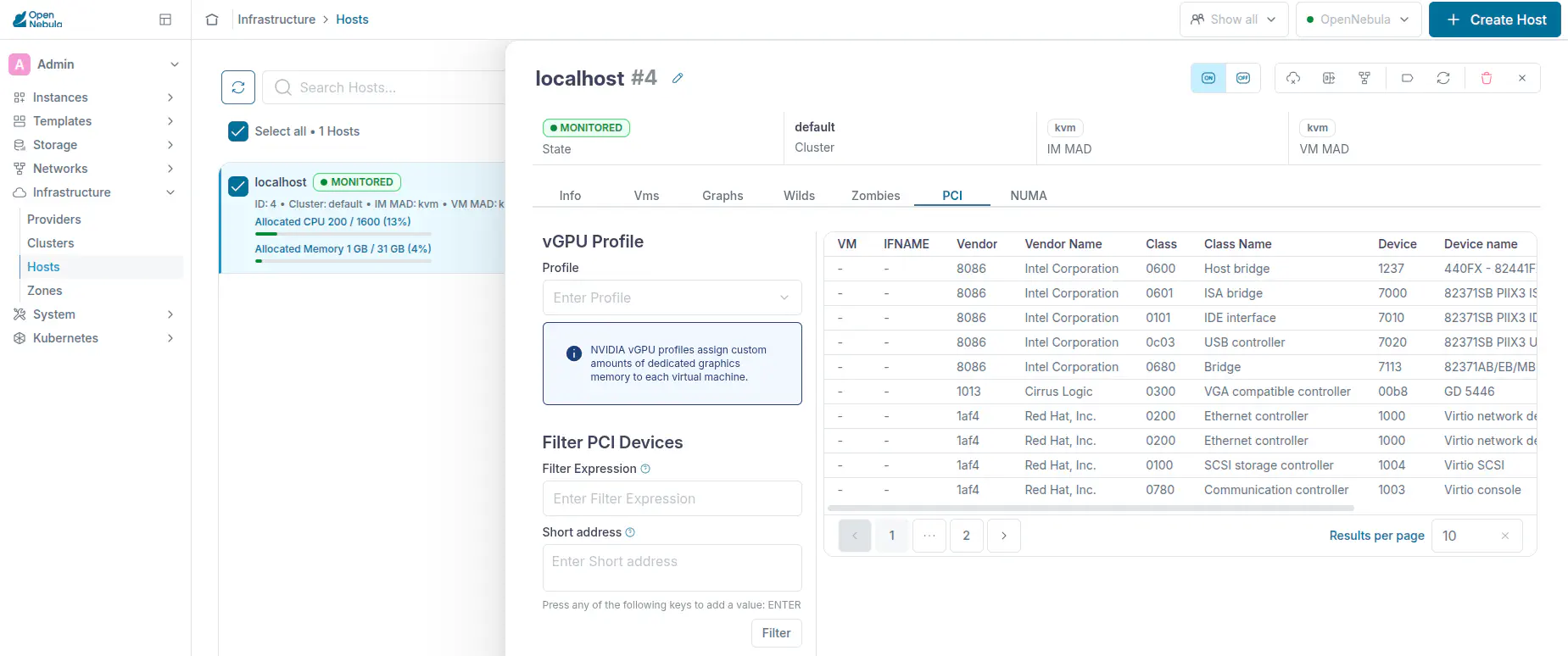
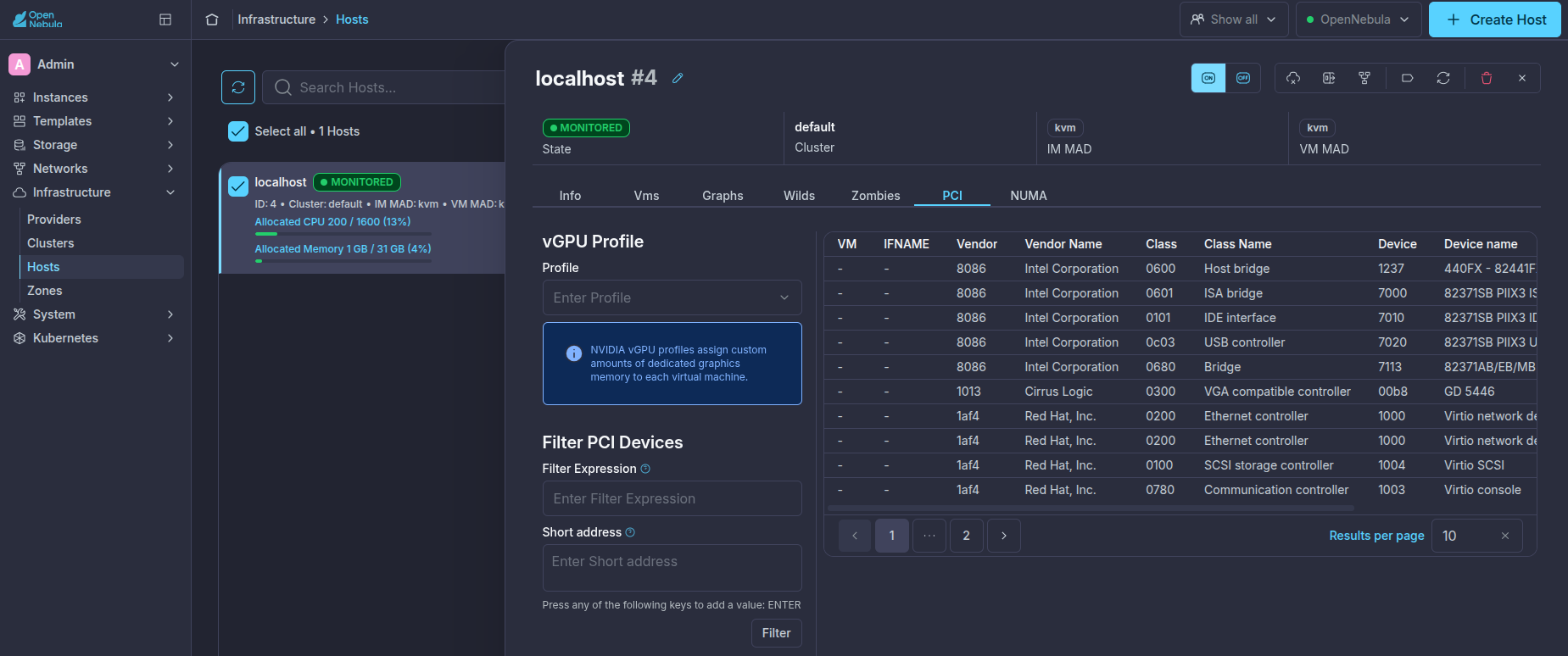
PCI Device Selection
OpenNebula can select a compatible device automatically or assign a specific PCI address.
Automatic Selection
Automatic selection allows the scheduler to choose any available device matching the requested identifiers. Use CLASS for the device type, VENDOR for the manufacturer, and DEVICE for a specific hardware model. OpenNebula requires a candidate device to match every specified attribute.
The following example requests any monitored USB controller:
PCI = [
  CLASS = "0c03"
]
Adding VENDOR narrows the request to any monitored USB controller manufactured by Renesas Electronics:
PCI = [
  VENDOR = "1912",
  CLASS  = "0c03"
]
Adding DEVICE selects a specific model. This example requests any available Renesas uPD720202 USB 3.0 Host Controller:
PCI = [
  VENDOR = "1912",
  DEVICE = "0015",
  CLASS  = "0c03"
]
Any combination of VENDOR, DEVICE, and CLASS can be used to control the selection scope. Configure narrow PCI monitoring filters before using broad selection criteria. This prevents OpenNebula from assigning a Host device that was not intended for passthrough.
Explicit Selection
Use SHORT_ADDRESS to request a specific PCI function:
PCI = [
  SHORT_ADDRESS = "81:00.0"
]
The short address uses the bus:device.function format without the PCI domain. Explicit selection restricts scheduling to a Host on which that address is available. Use it when the workload requires a particular device because of its physical interconnection, PCI topology, NUMA locality, or another hardware-specific constraint.
DEVICE identifies the PCI hardware device ID; it must not be used for a PCI address.
Selecting a PCI Device in Sunstone
When creating or editing a Virtual Machine Template, open Advanced options, select PCI Devices, and click Attach PCI device:
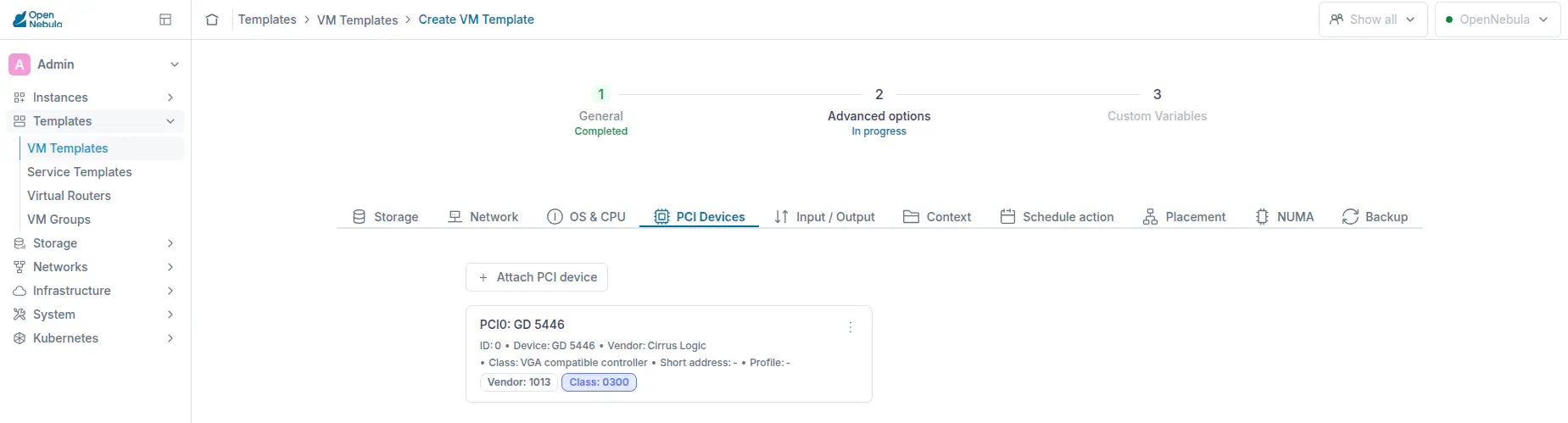
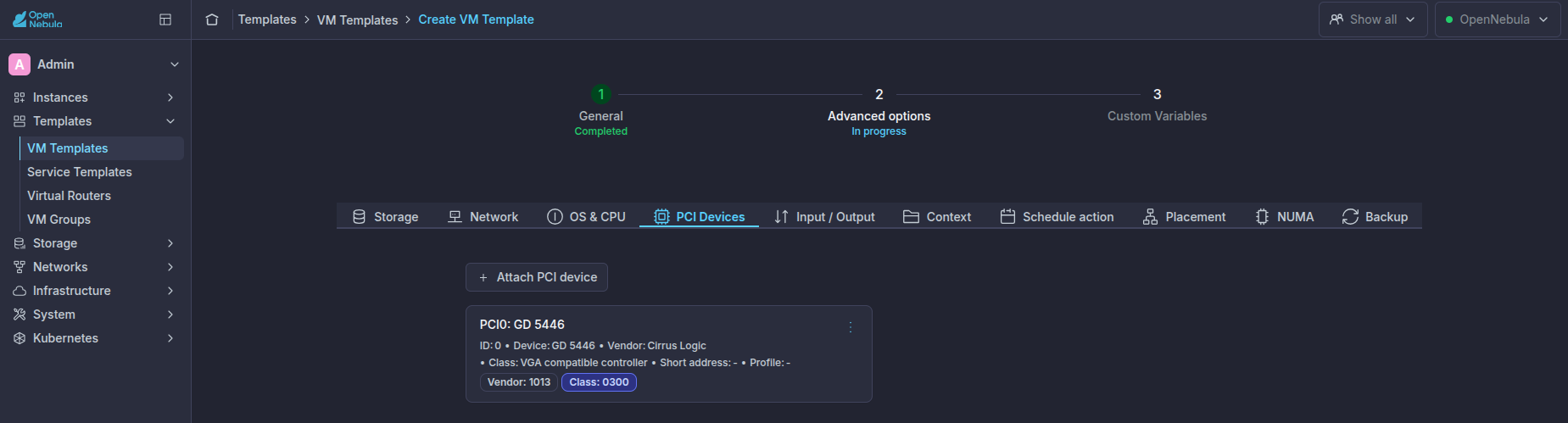
Select the vendor, device, and class constraints for automatic scheduling, or select a specific PCI address when the workload requires a particular device.
Assigning Multiple Devices
Add one PCI section for each requested PCI function:
PCI = [
  SHORT_ADDRESS = "81:00.0"
]

PCI = [
  SHORT_ADDRESS = "81:00.1"
]
Devices belonging to the same IOMMU group must be assigned together to the same Virtual Machine, as described in the VFIO Device Ownership section.
Scheduling
OpenNebula deploys the Virtual Machine only on a Host that has every requested PCI device available. If no Host satisfies the request, the Virtual Machine remains pending and the Scheduler log reports that no suitable Host was found.
Automatic selection is recommended because it allows the scheduler to place the workload on any compatible Host. Use SHORT_ADDRESS only when device topology or another hardware constraint requires an exact PCI function.
Existing Virtual Machines
PCI devices can also be attached to or detached from an existing Virtual Machine in a supported power state. Refer to Attaching and Detaching PCI Devices for the onevm pci-attach and onevm pci-detach commands.
Guest Verification
After deployment, verify that the guest detects the assigned PCI device:
lspci -nn
Use a device-specific utility when appropriate. For example, use lsblk for an assigned storage controller or lsusb for devices connected through an assigned USB controller.
Next Steps
- Continue with the Network Interfaces Guide for PCI network interfaces and SR-IOV Virtual Functions.
- Continue with the NVIDIA GPU Guide for NVIDIA GPU passthrough.
GIVE FEEDBACK
Was this resource helpful?
Glad to hear it
Sorry to hear that