Marketplaces in Sunstone
The Sunstone web UI allows you to graphically manage Marketplaces. Within Sunstone, open the left-hand pane then select Storage -> Marketplaces to perform the following operations:
- Create a marketplace
- Update a marketplace
- Delete a marketplace
- Enable or disable a marketplace
- Change the owner or the group of a marketplace
- Check details of a marketplace
- See the appliances that have a marketplace
Note
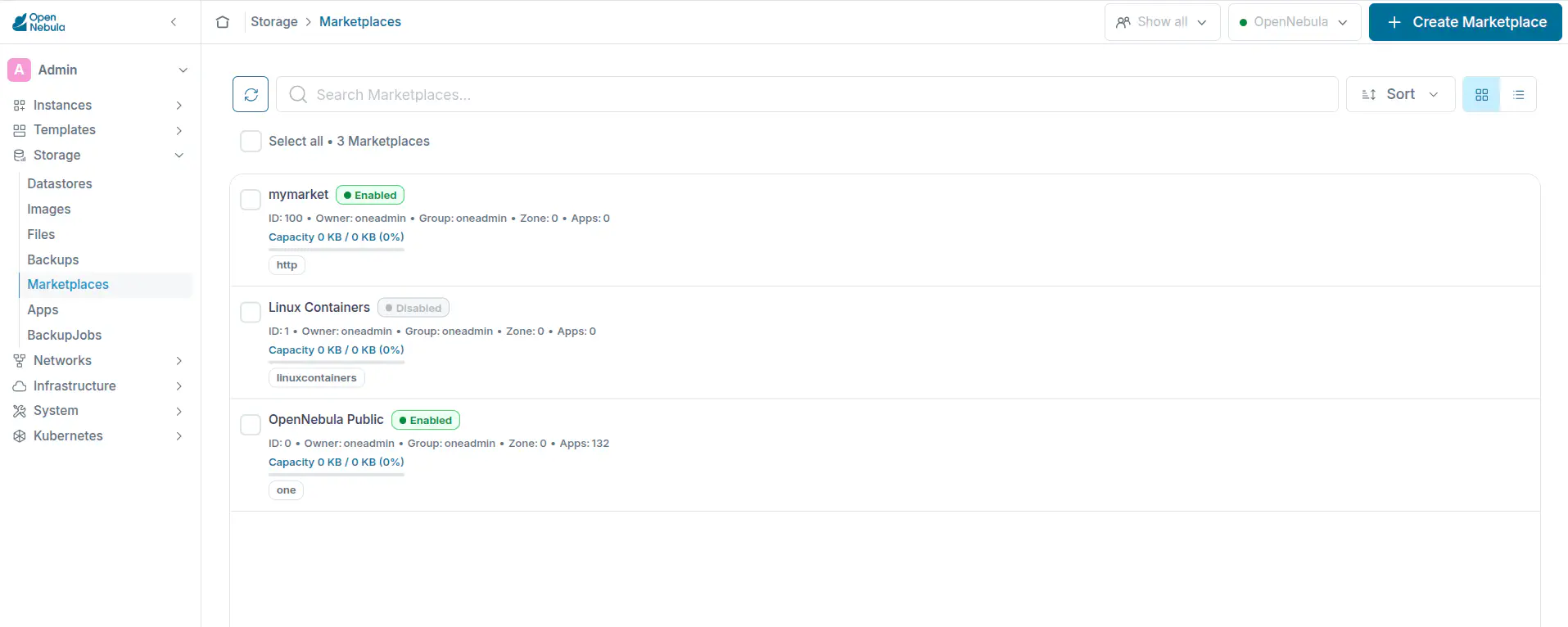
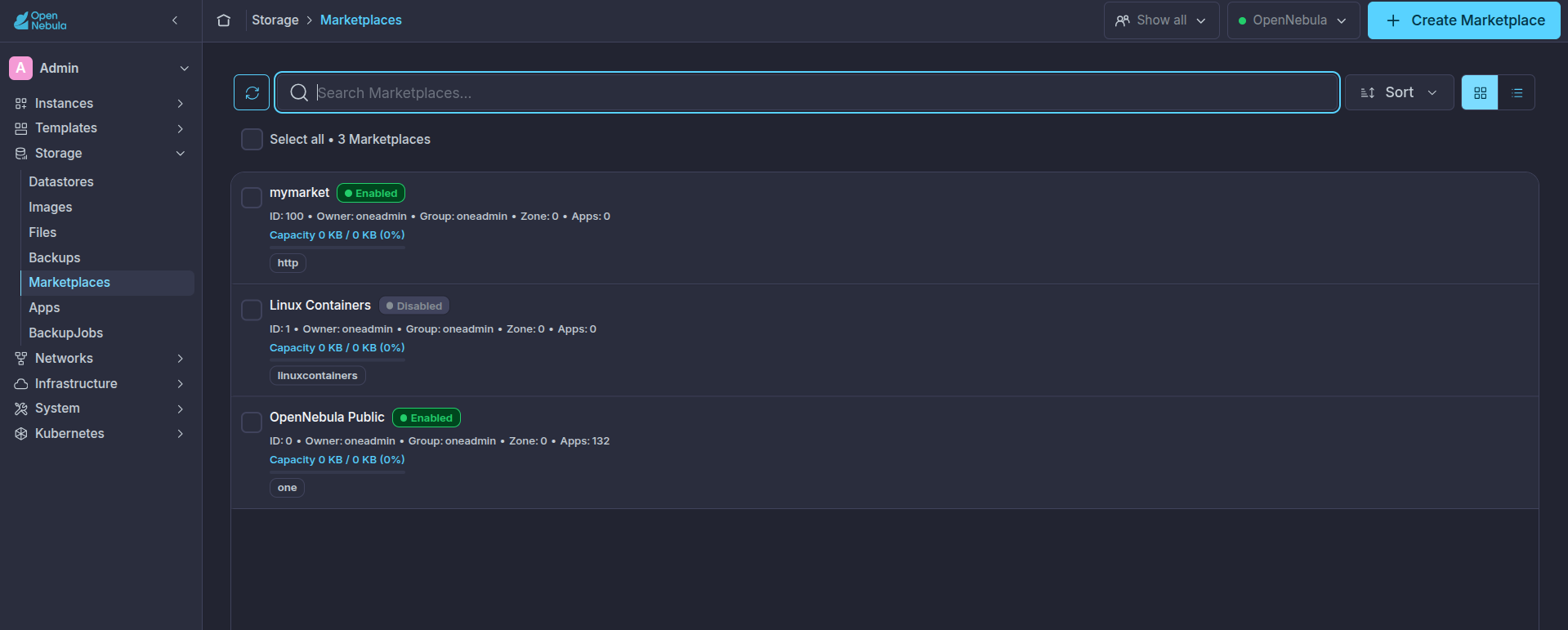
Create a Marketplace
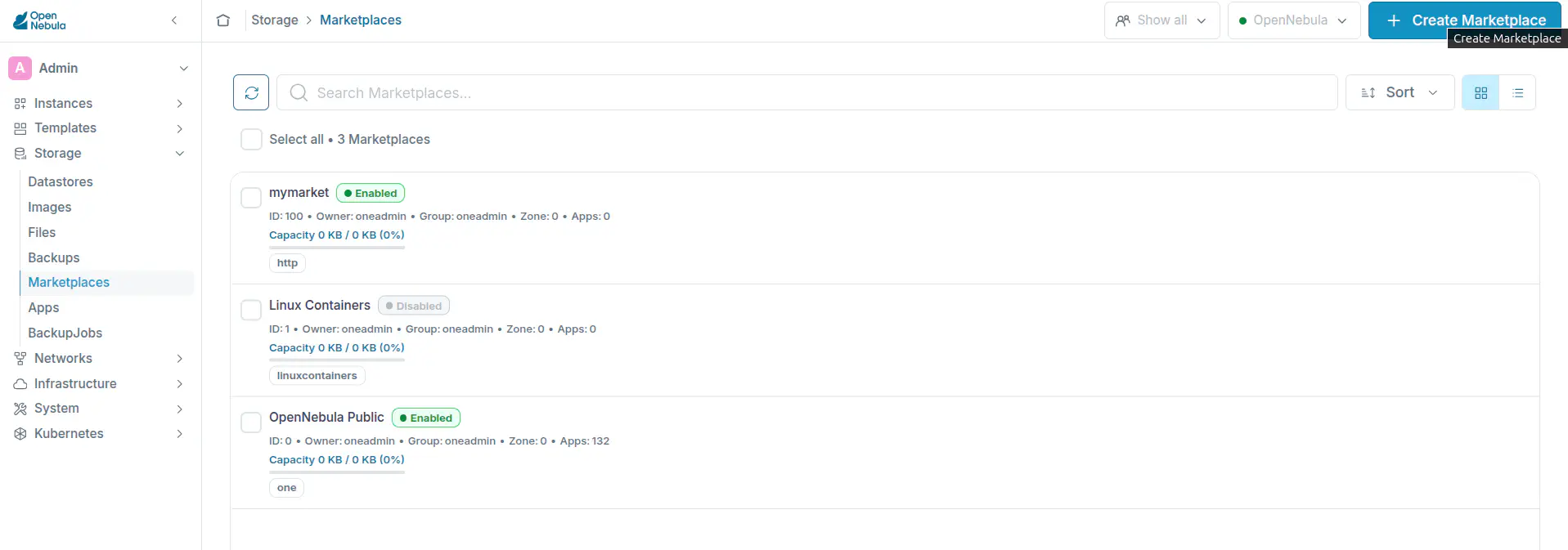
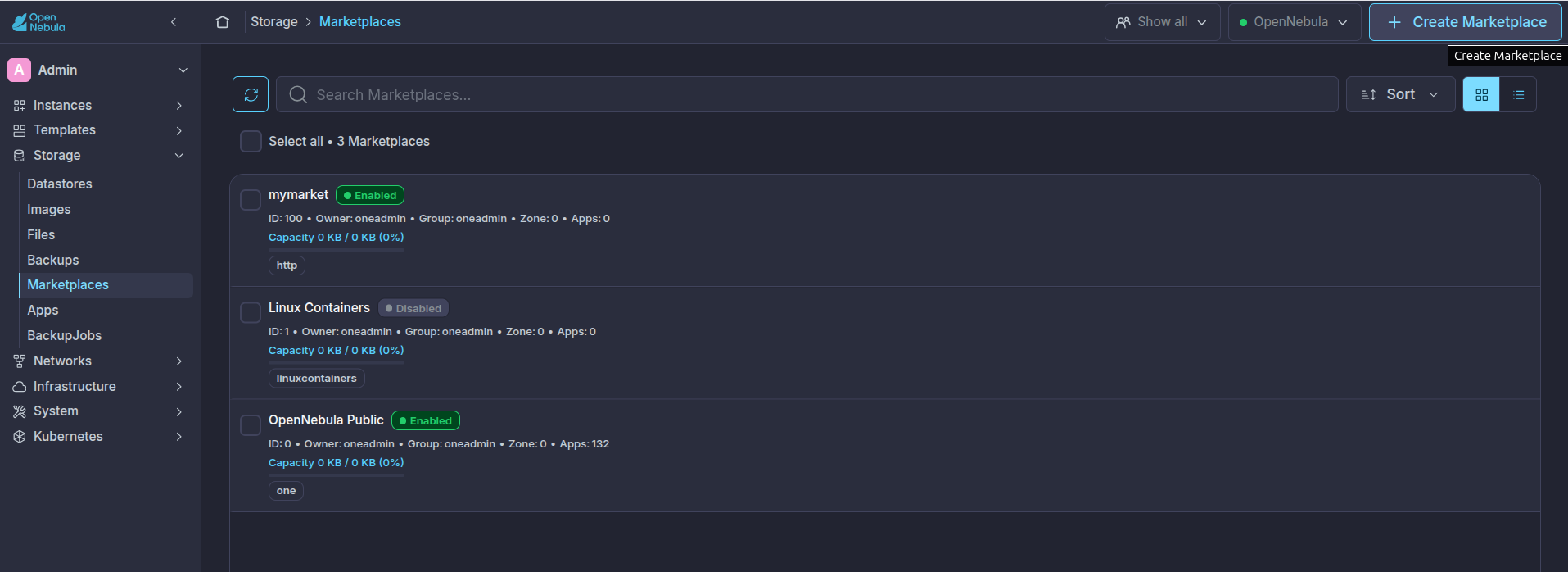
- Click on the + Create Marketplace button:
- Fill in the name, description, and type of the Marketplace:
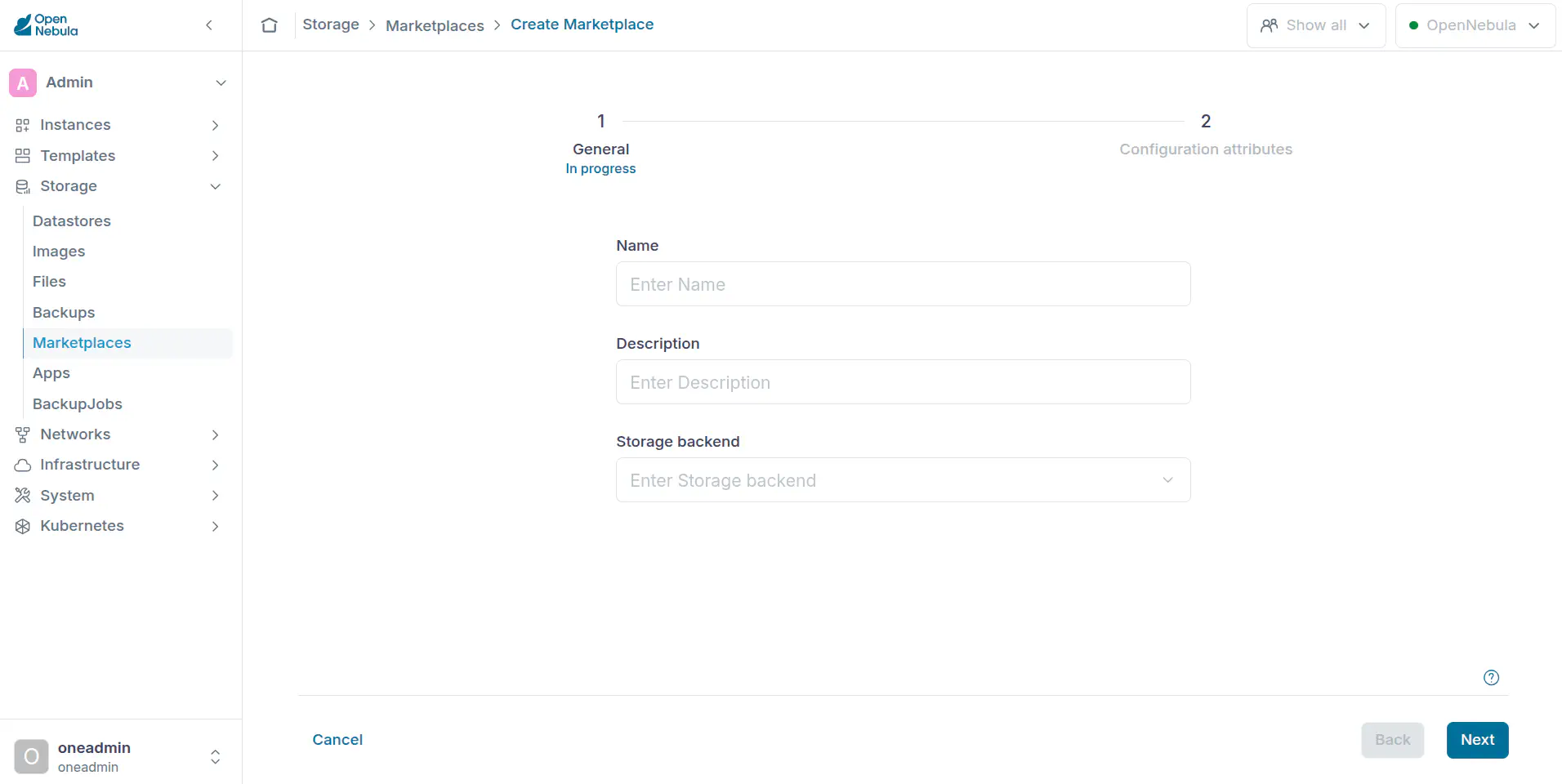
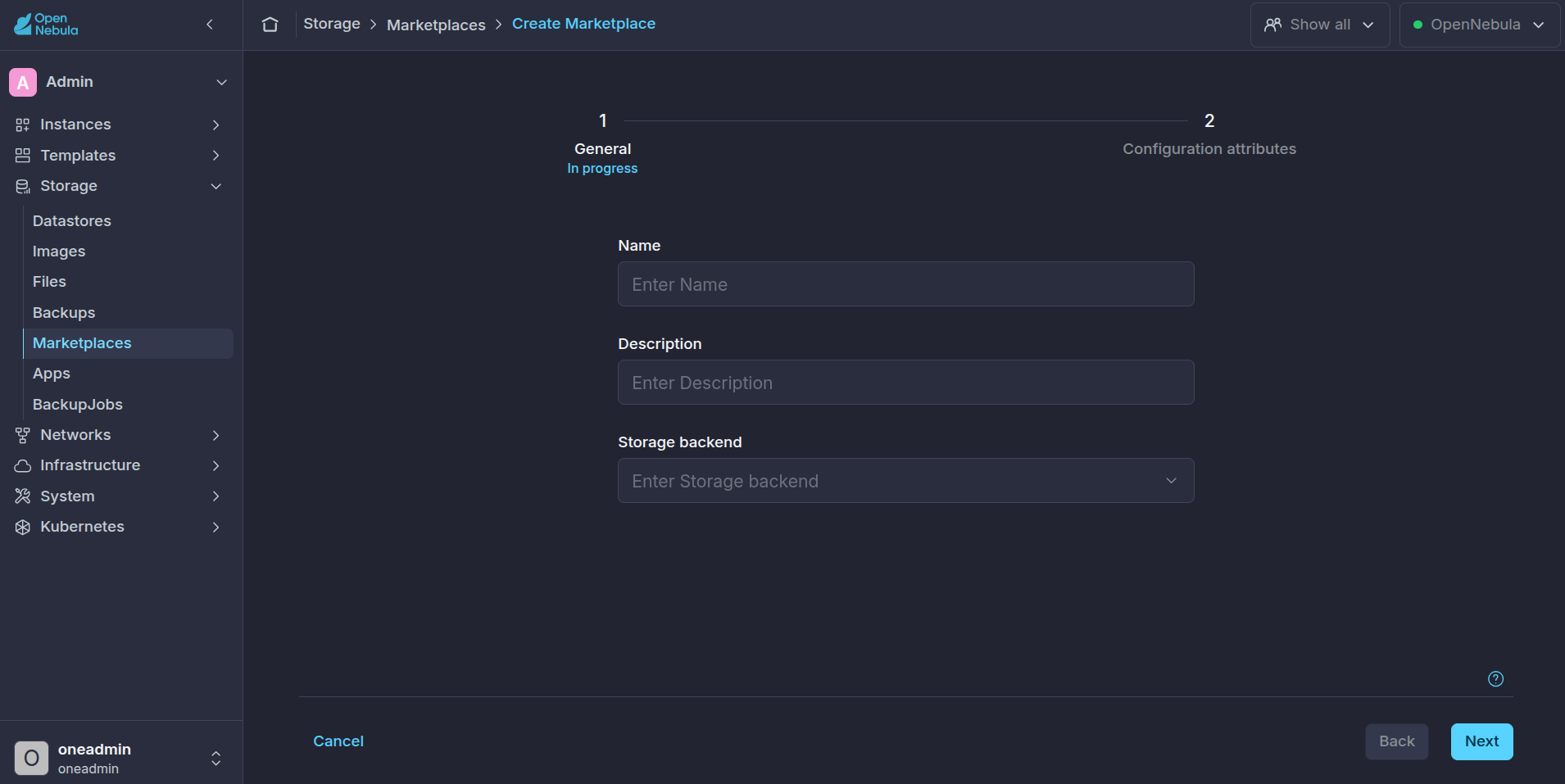
- Fill in the fields of the Marketplace. Depending on the Marketplace type, these fields are different. Please see Public and Private Marketplaces documentation:
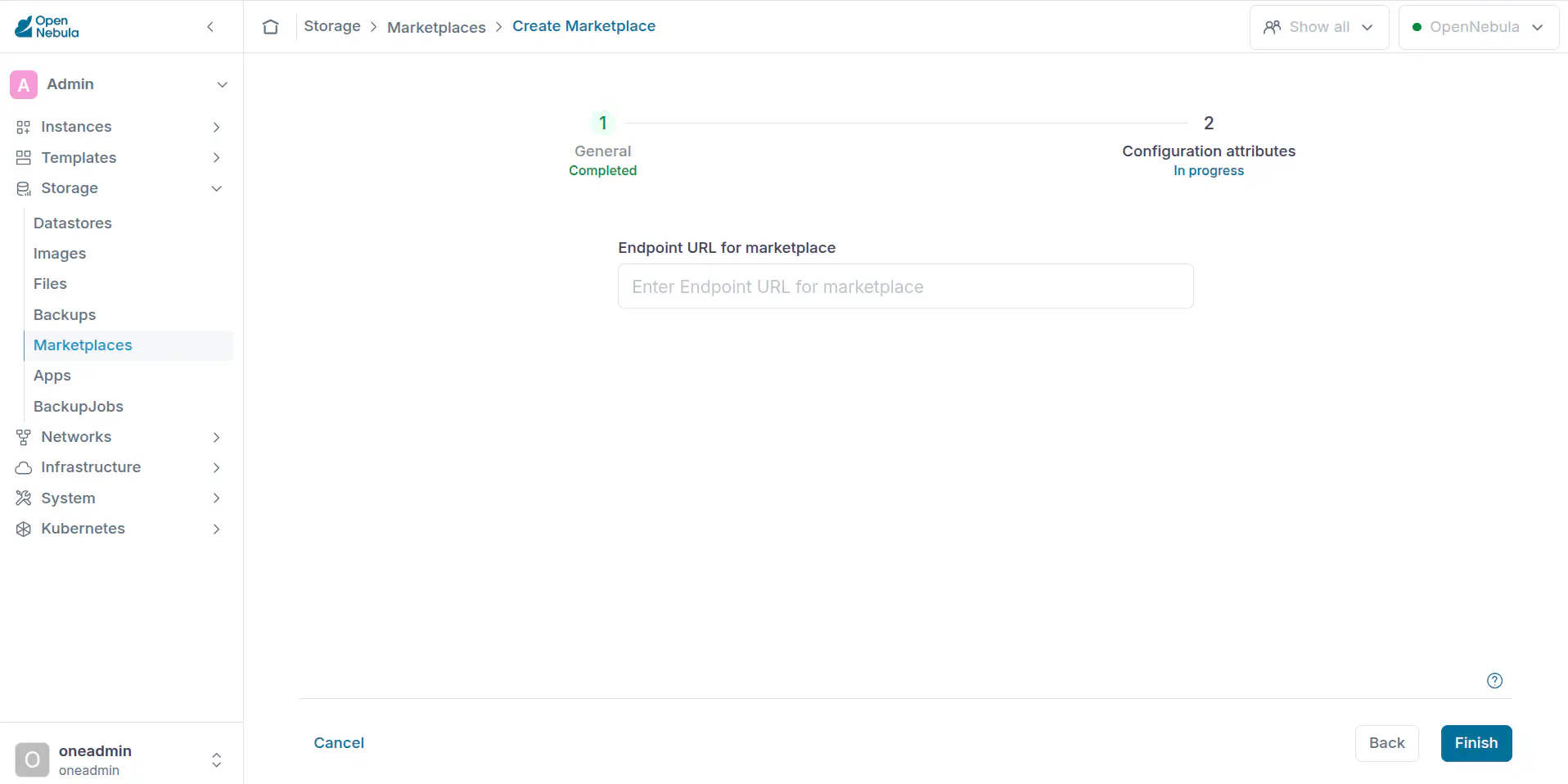
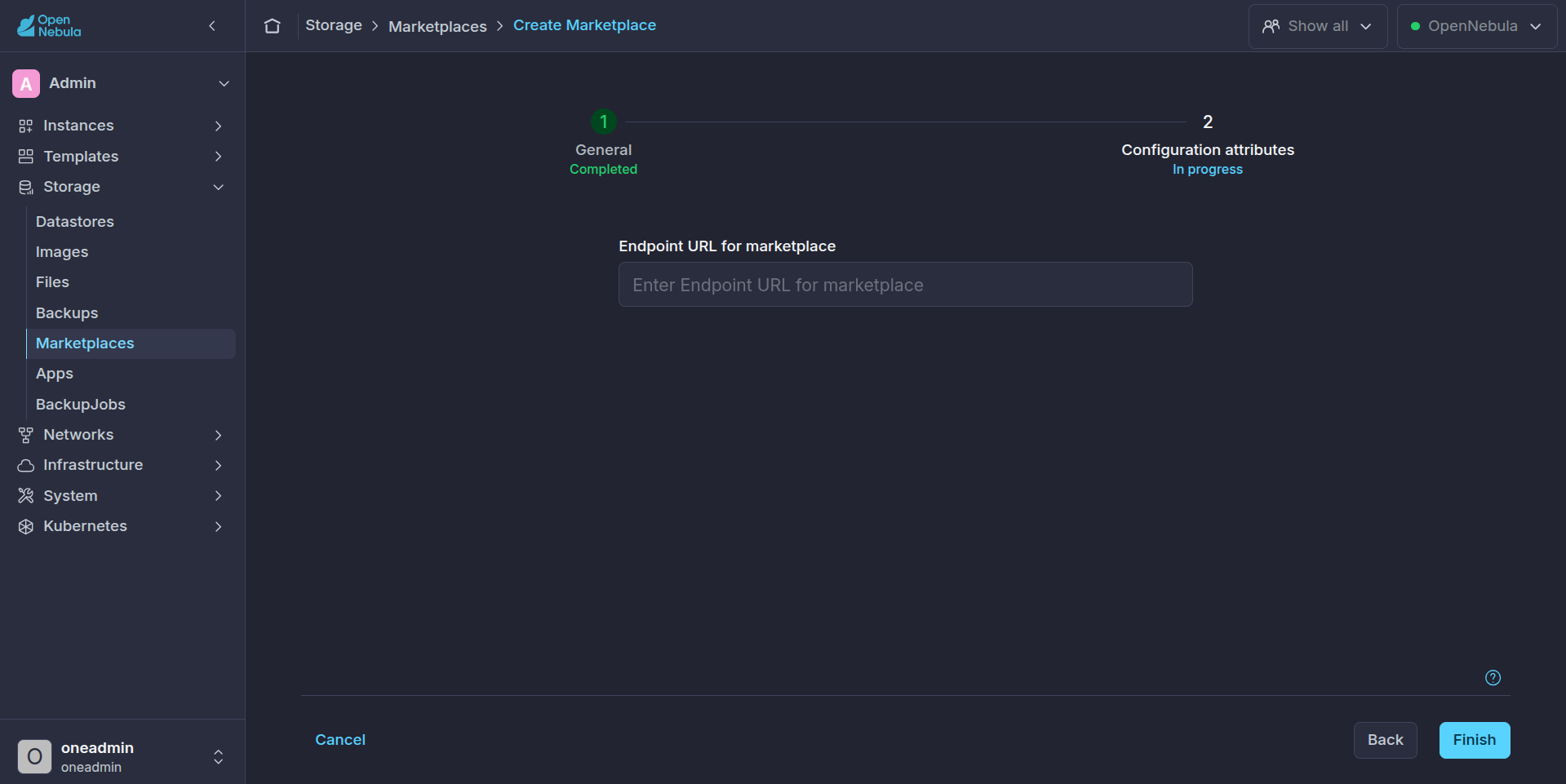
Update a Marketplace
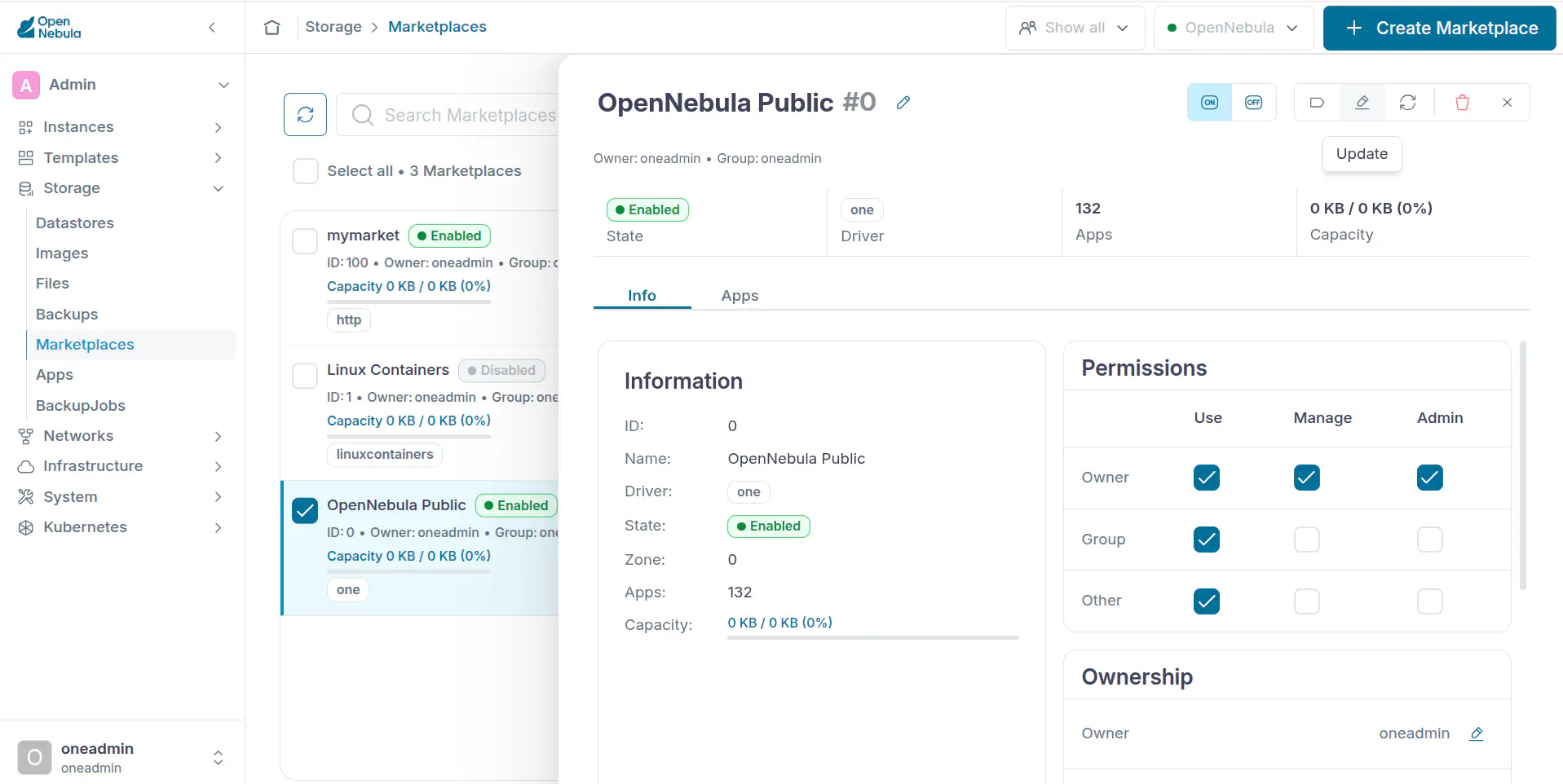
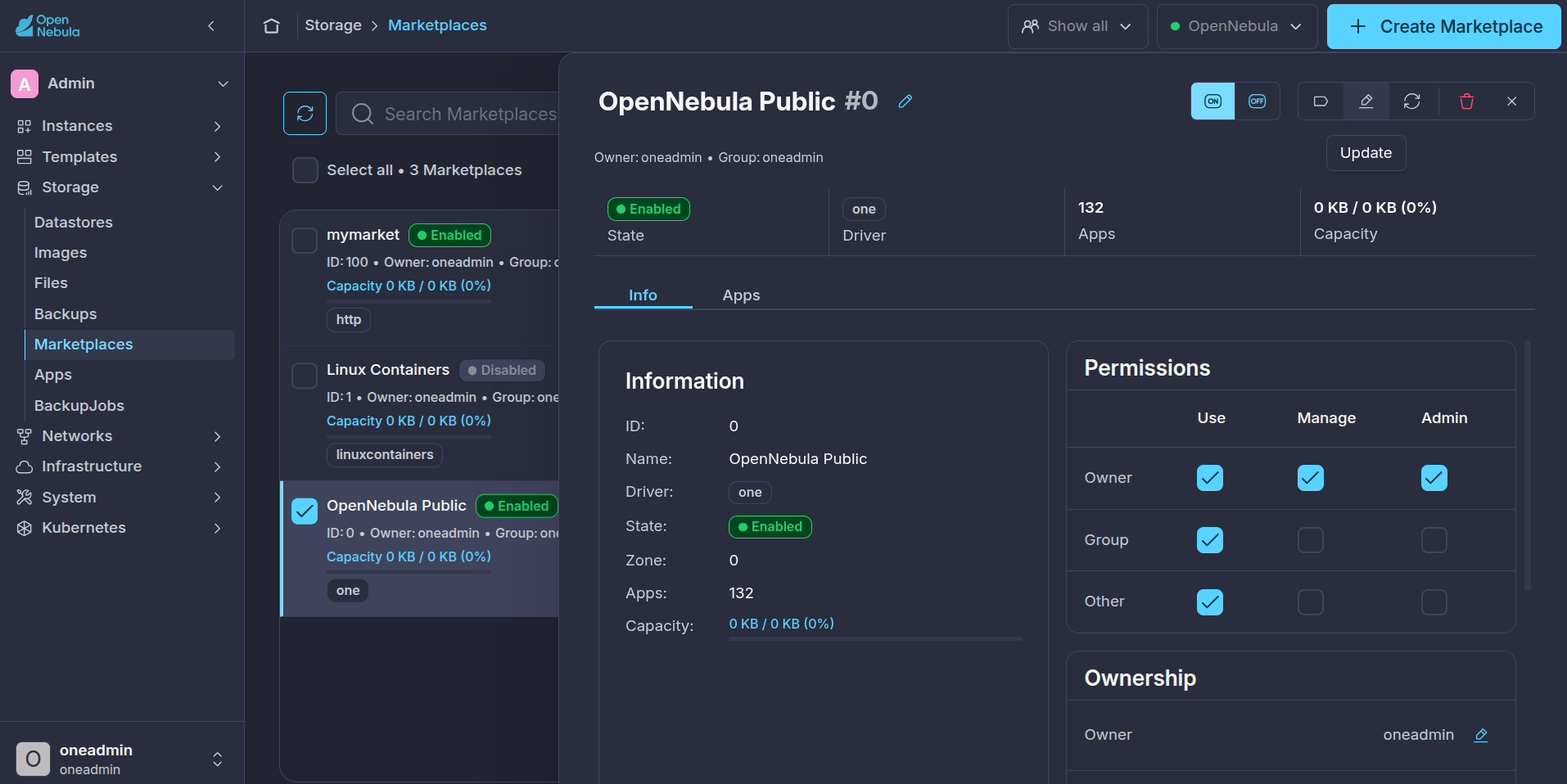
Select a Marketplace and click on the update button:
Delete a Marketplace
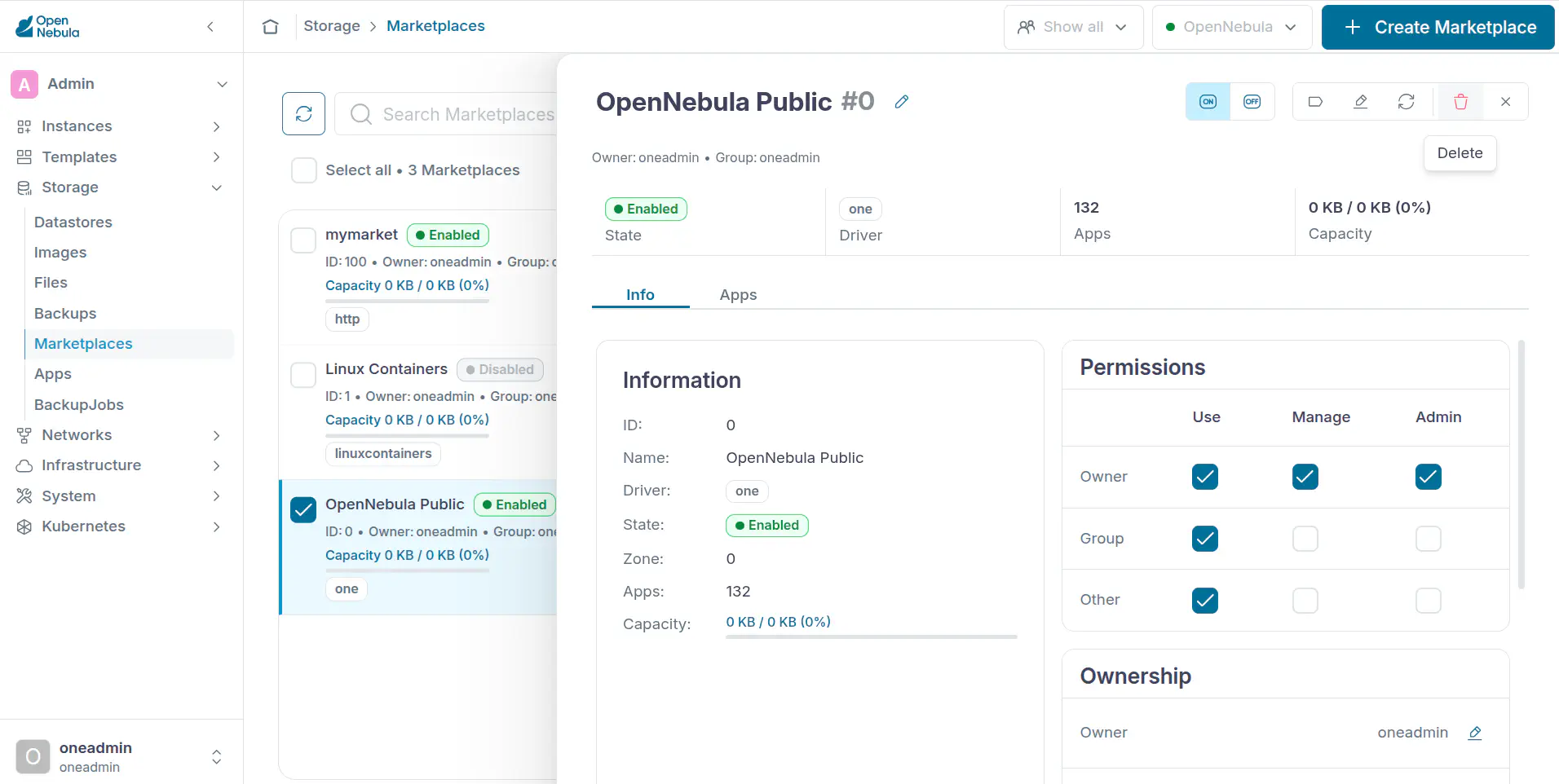
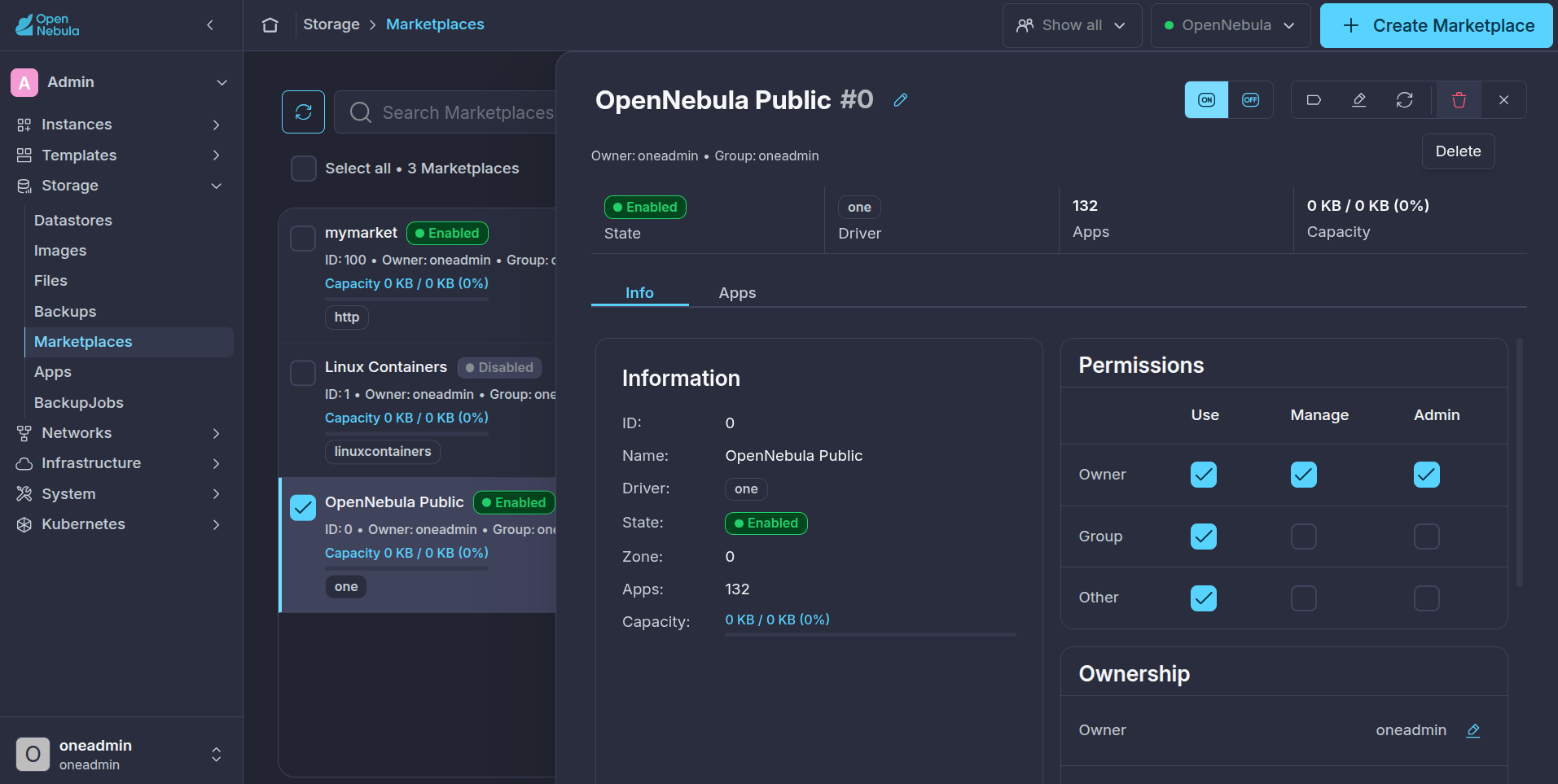
Select a Marketplace and click on the delete button:
Enable or Disable a Marketplace
Select a Marketplace and click on the enable/disable menu:
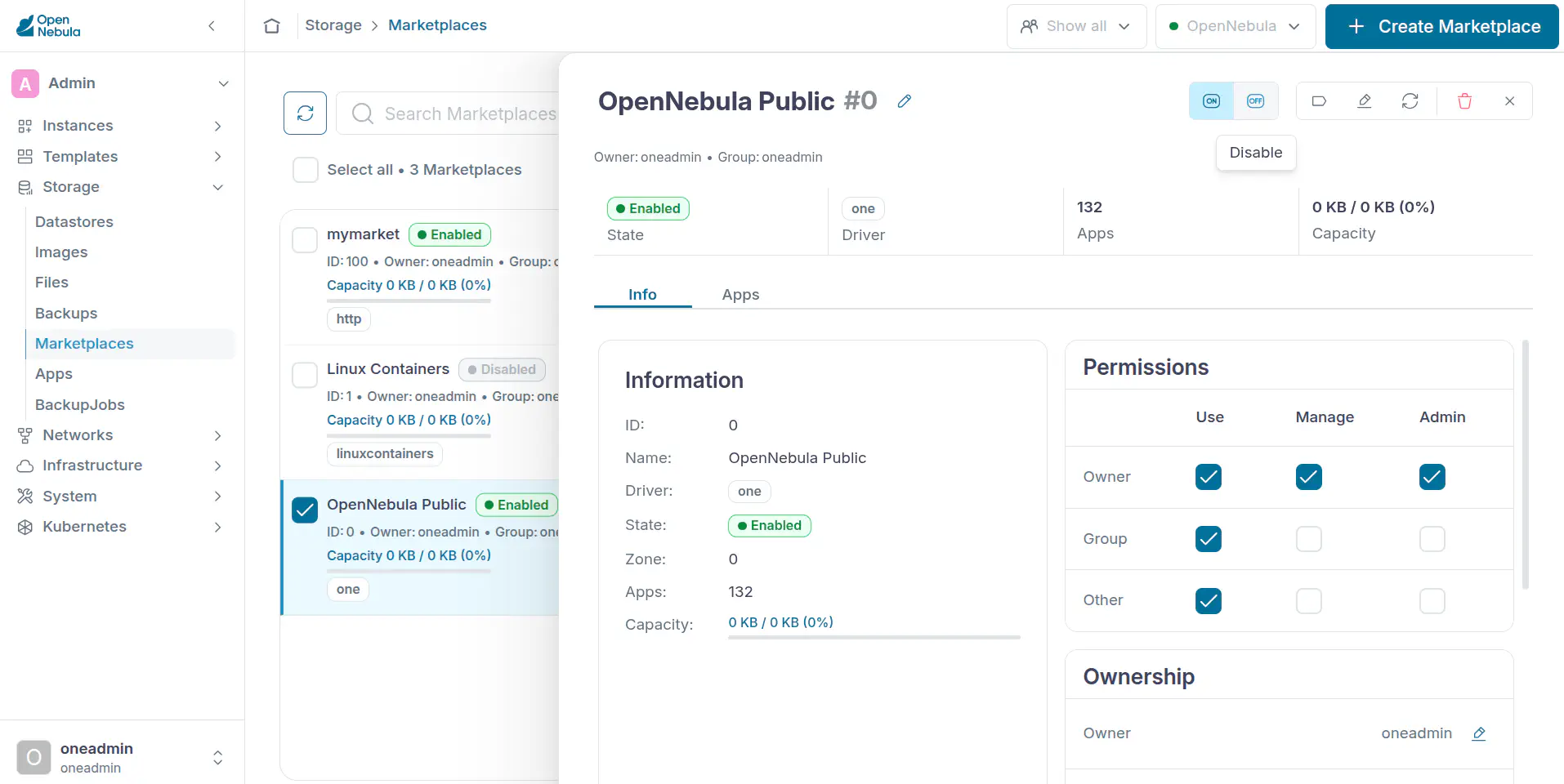
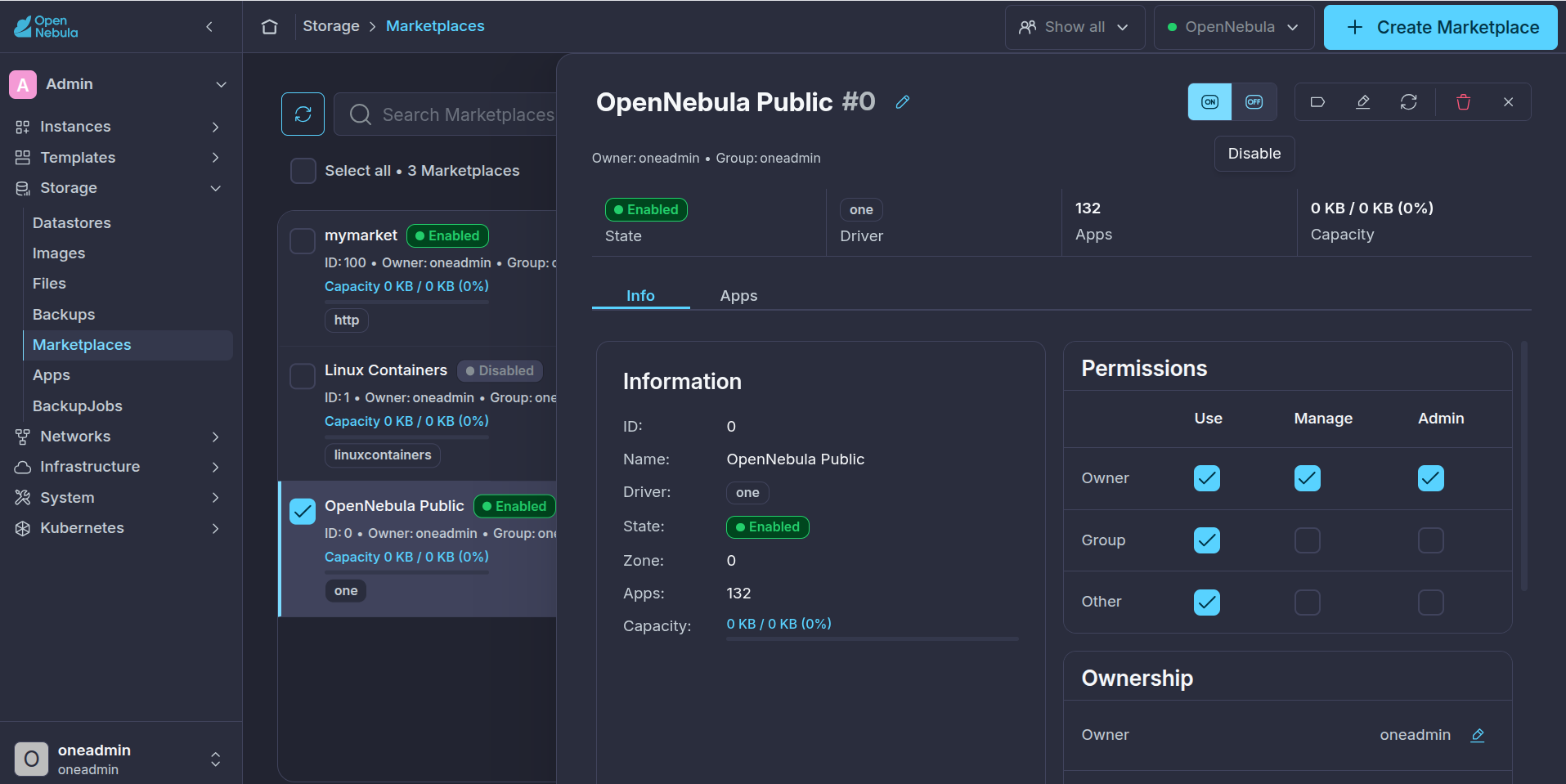
Change the Owner or the Group of a Marketplace
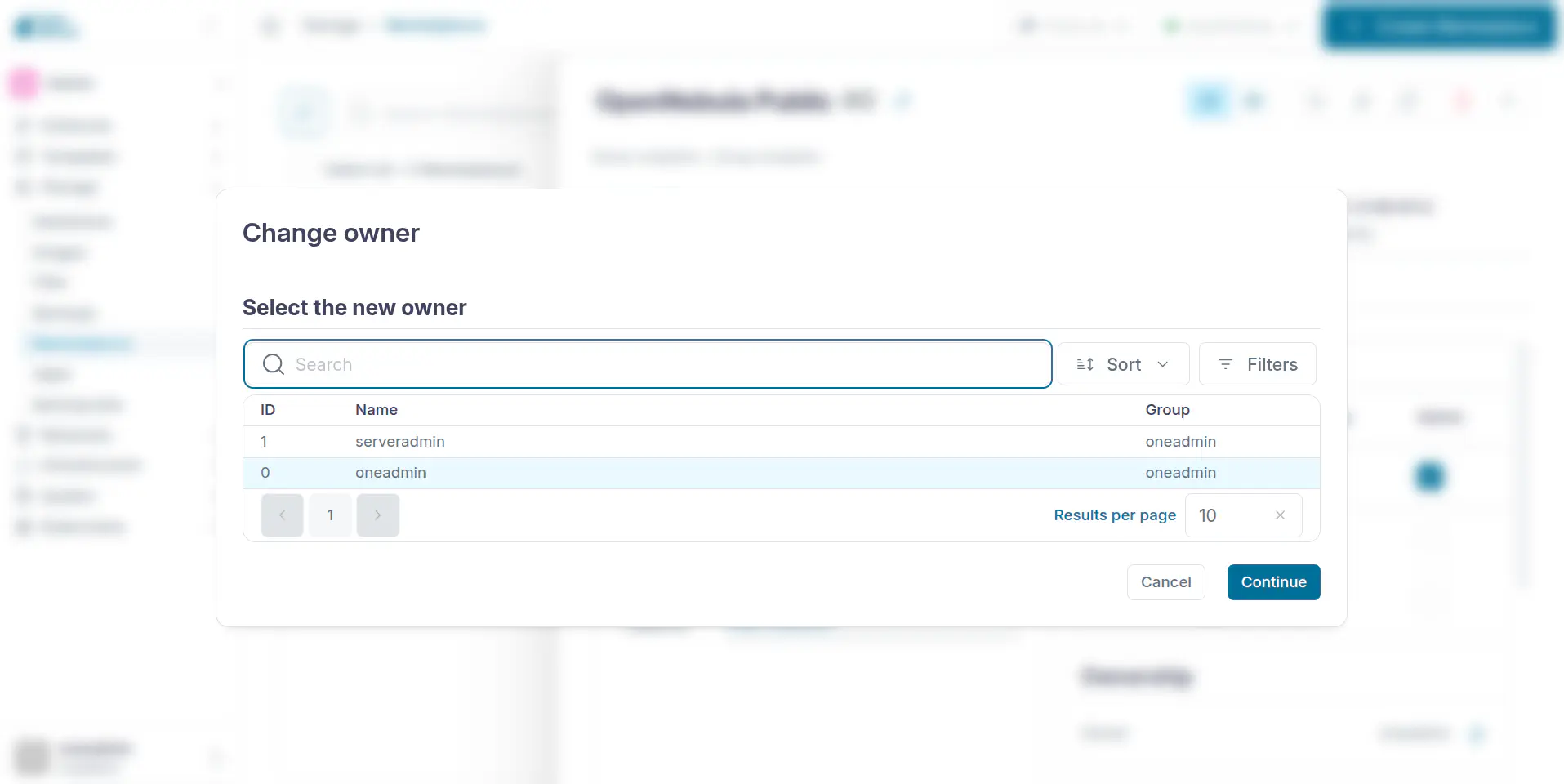
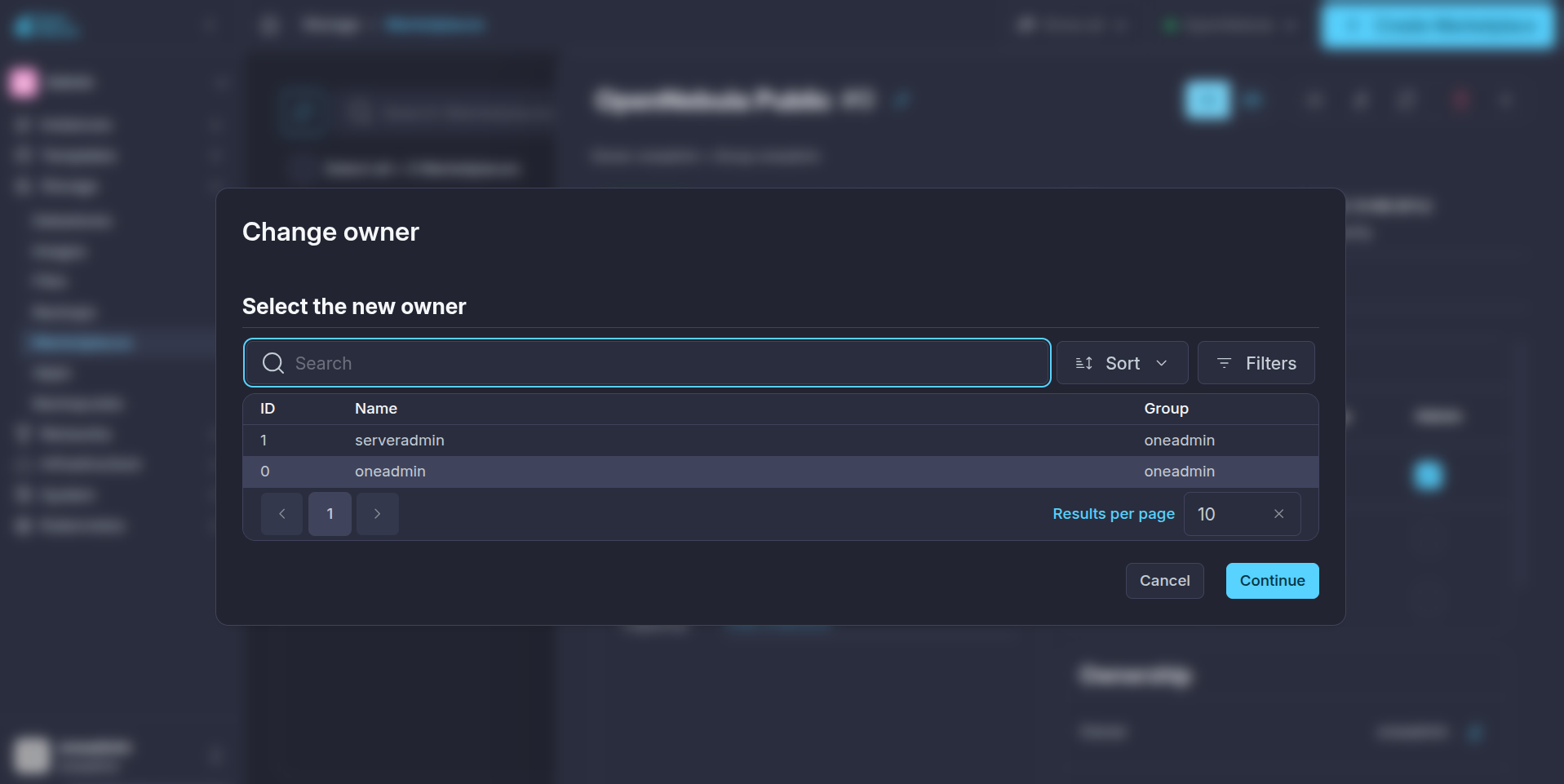
Select a Marketplace and click on the change owner/change group menu:
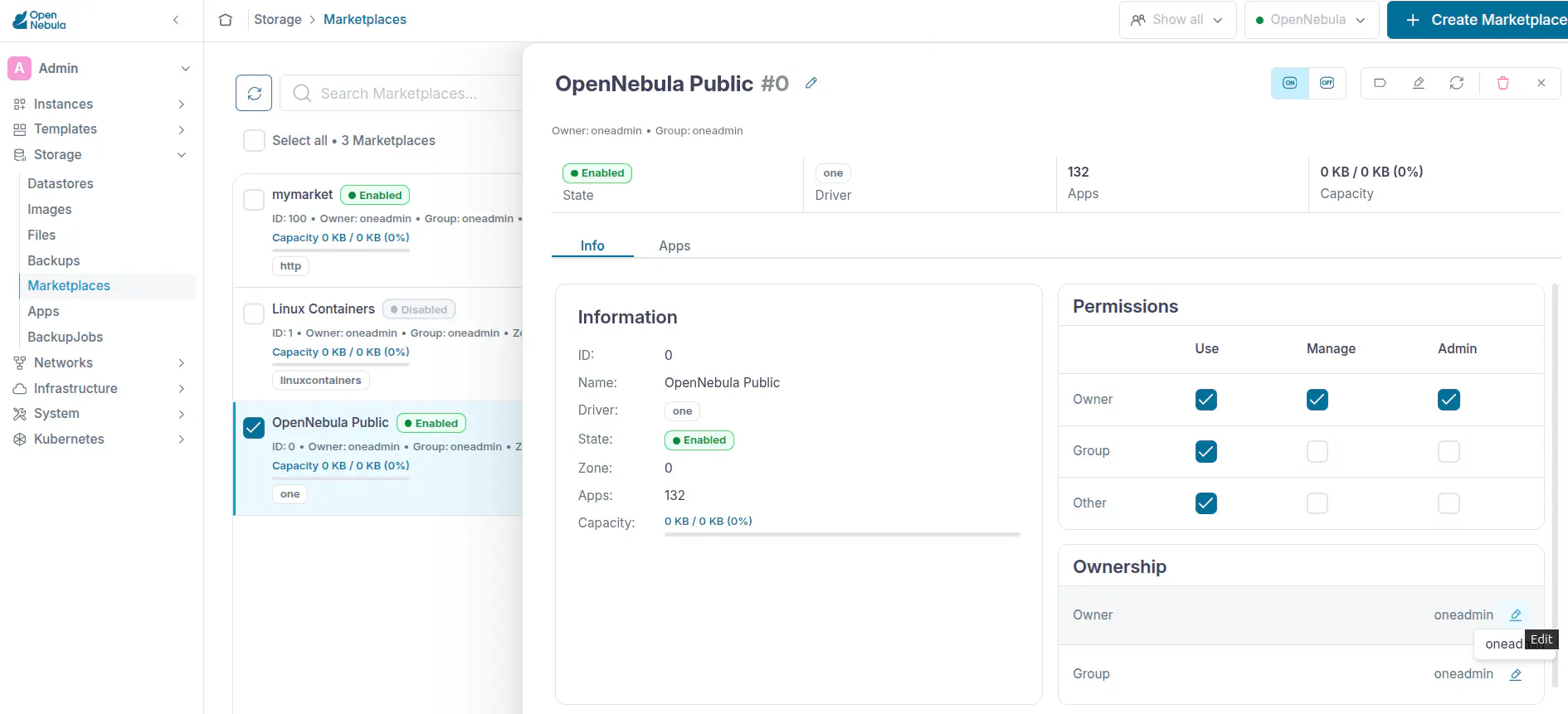
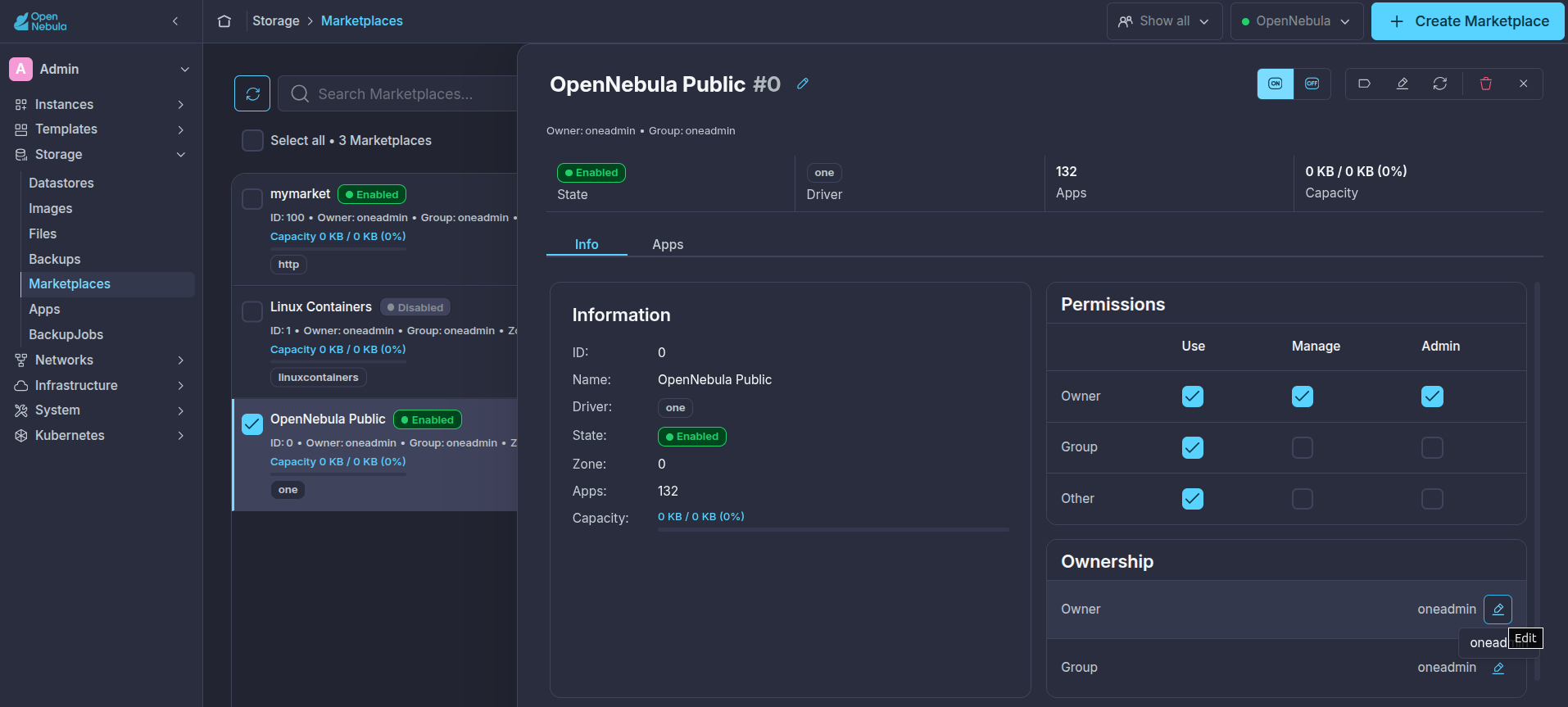
Select the new owner and press Continue:
Check Details of a Marketplace
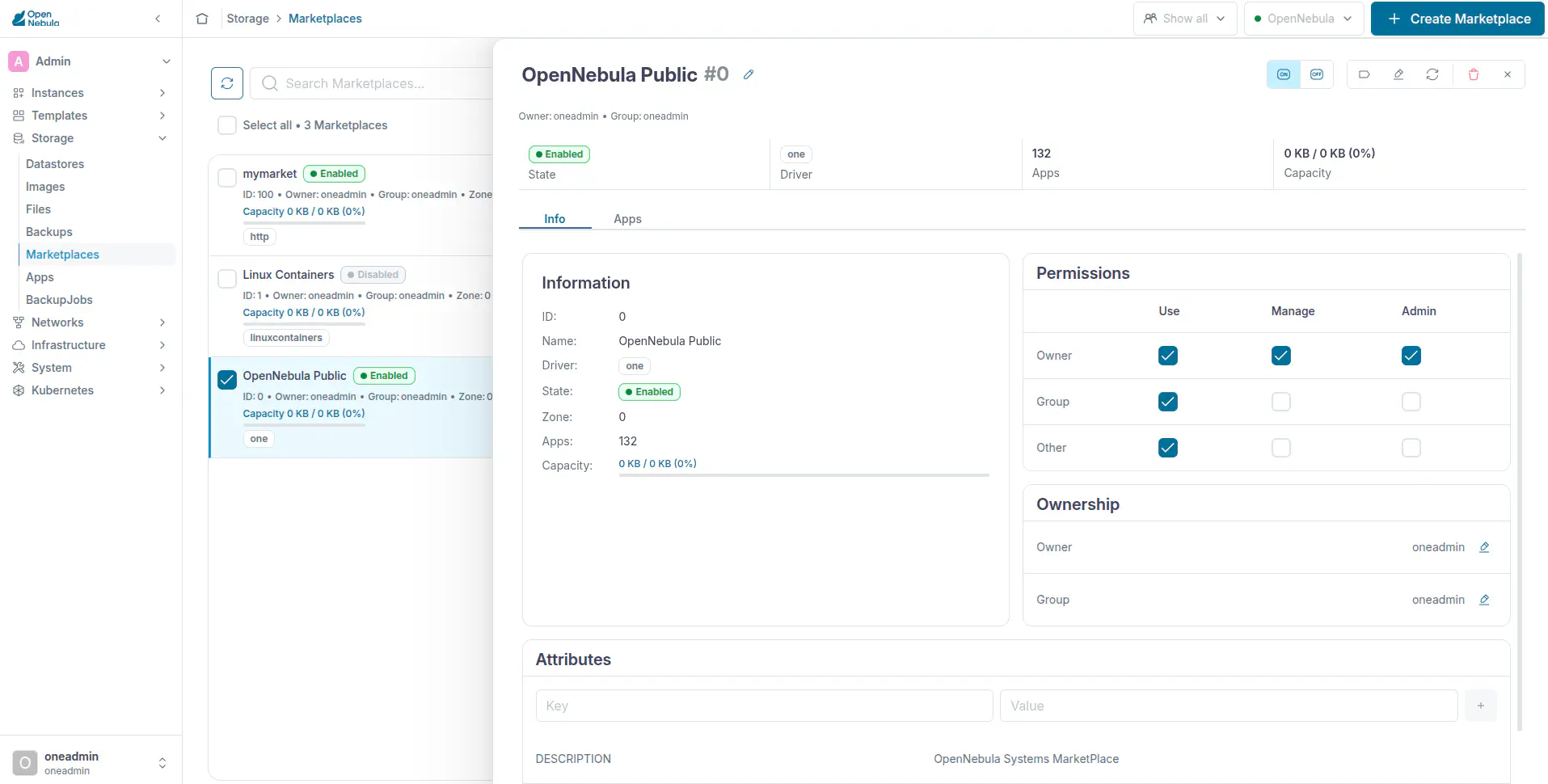
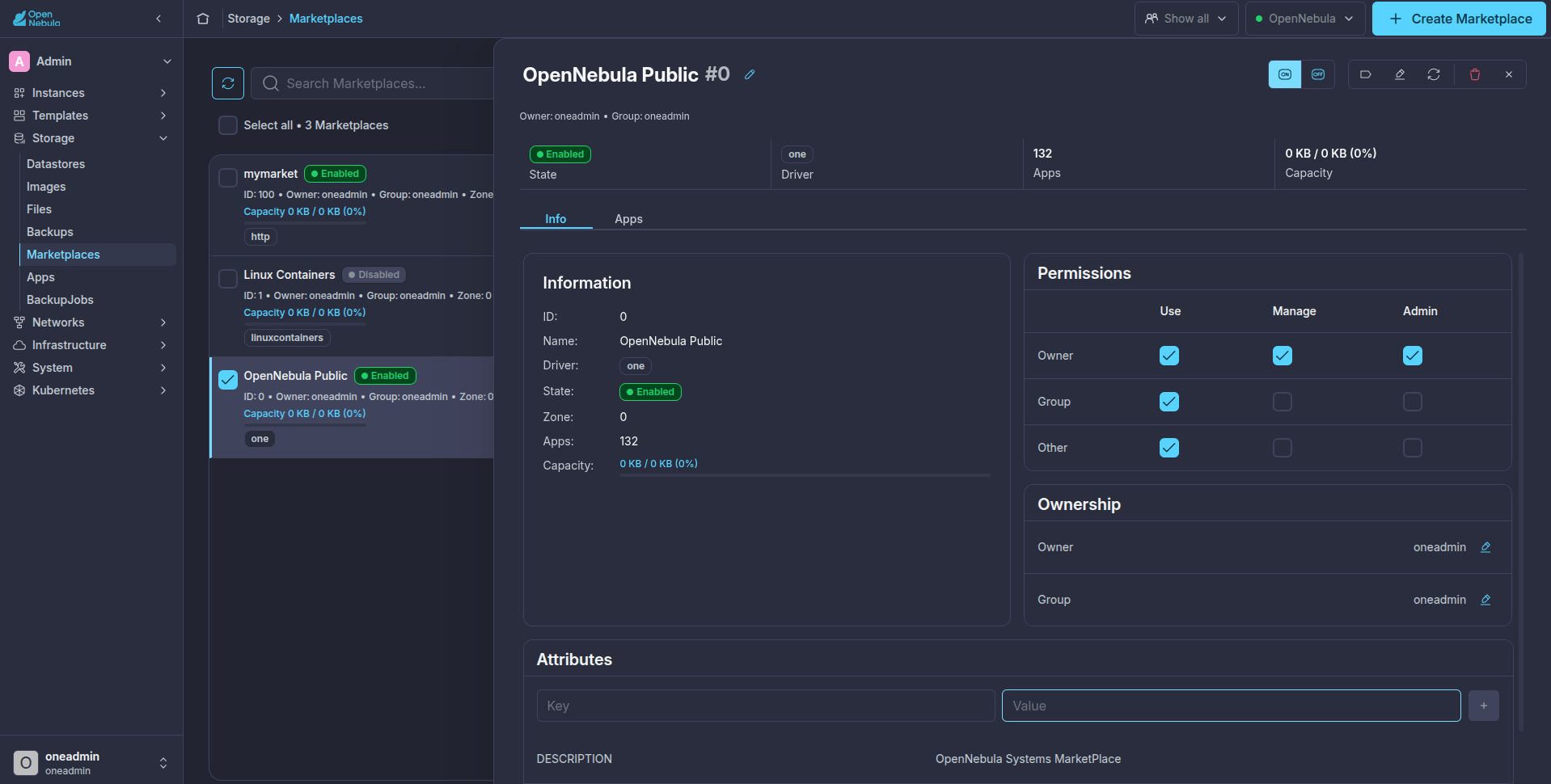
Select a Marketplace and click on Info tab to see its details:
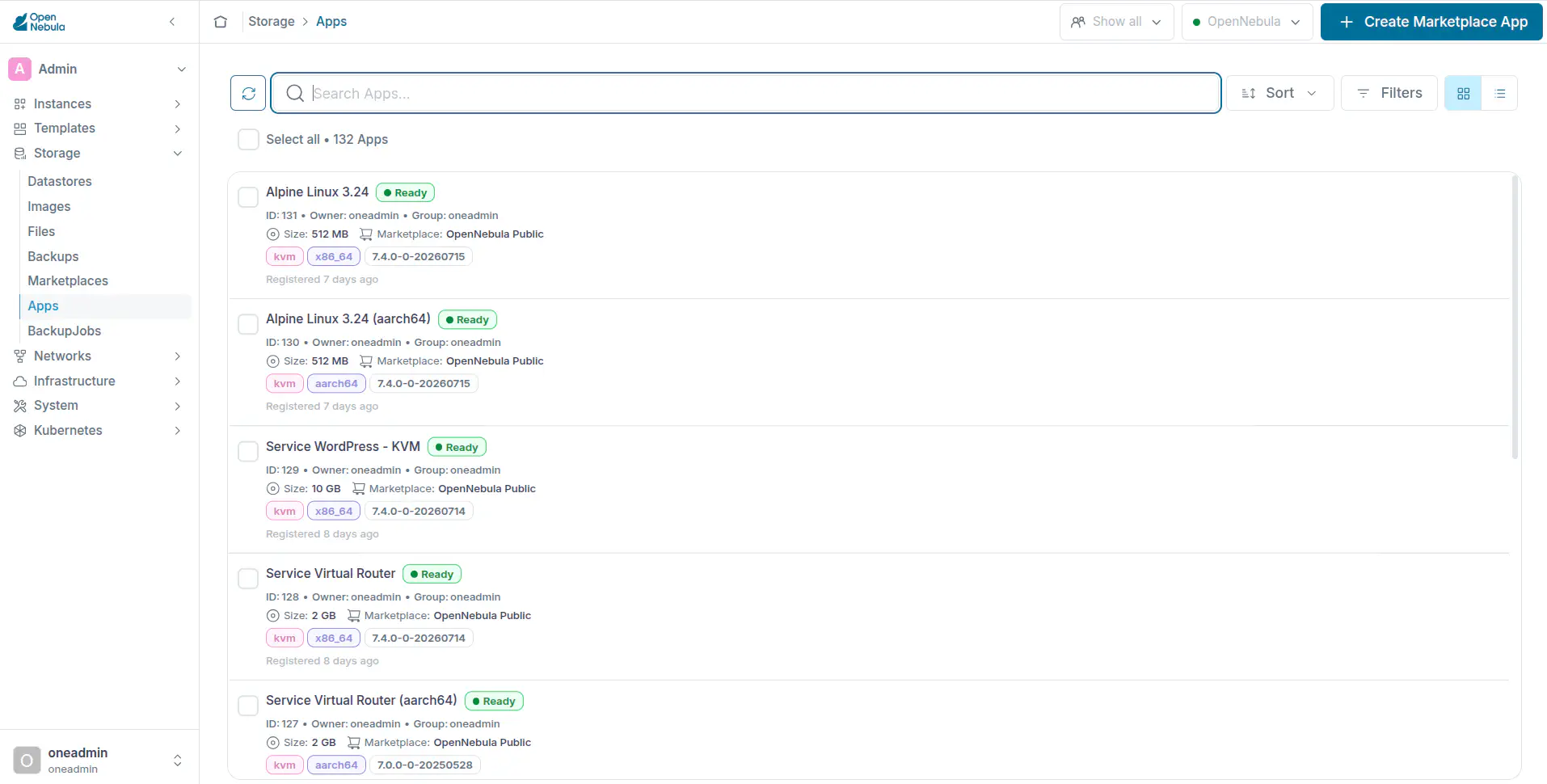
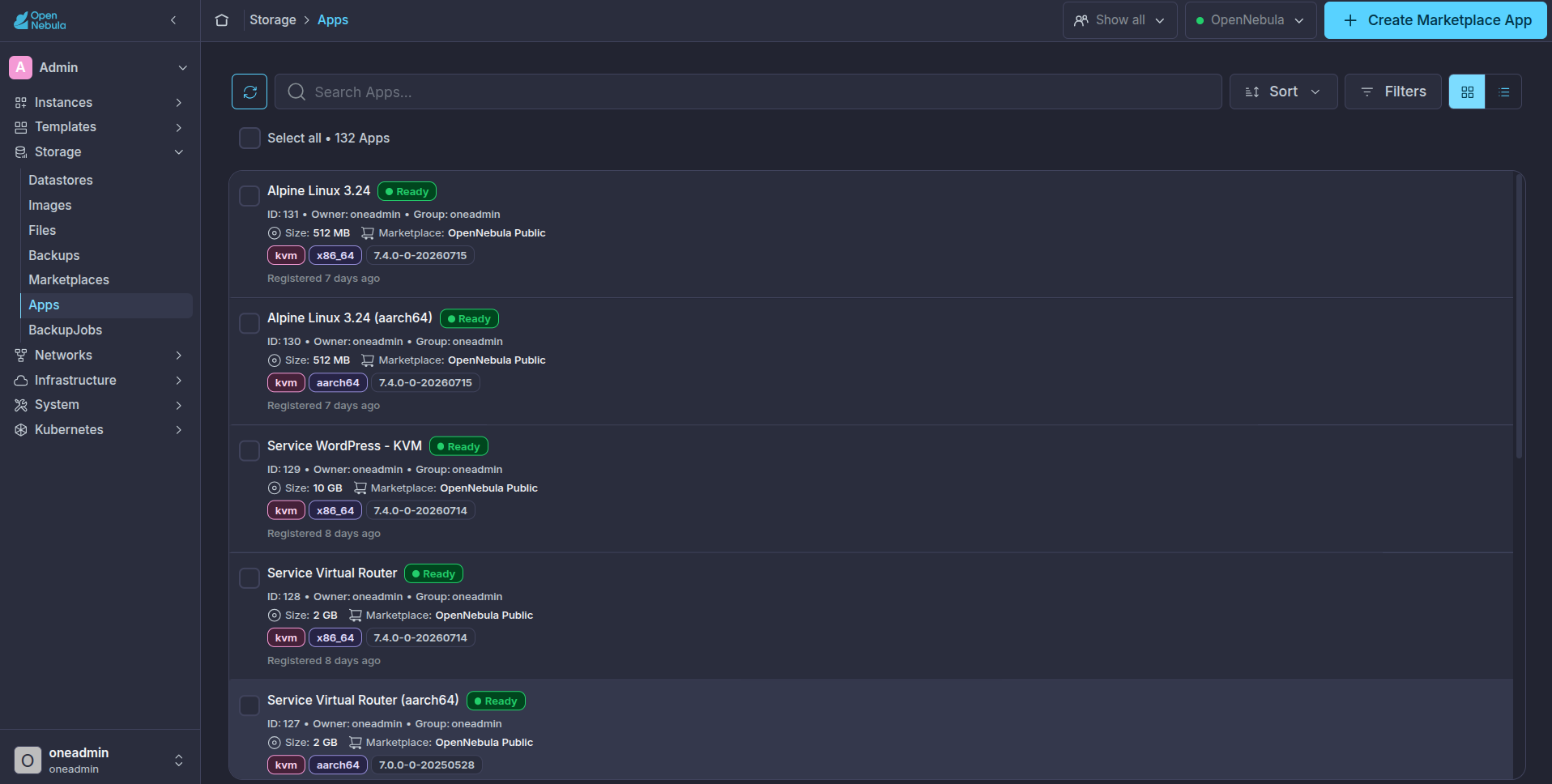
See Appliances Available in a Marketplace
Select a Marketplace and click on Apps tab to see the Appliances available:
GIVE FEEDBACK
Was this resource helpful?
Glad to hear it
Sorry to hear that