Quick Start
This guide deploys a Slurm cluster with one controller and one worker, then runs a first job. You can create the service from Sunstone or from the CLI. Check the Requirements before proceeding.
Step 1: Import the Appliance
Export Service OneSlurm from the OpenNebula Public Marketplace. This creates the two images, the two VM templates and the OneFlow service template.
onemarketapp export 'Service OneSlurm' 'Service OneSlurm' --datastore default
IMAGE
    ID: 34
    ID: 35
VMTEMPLATE
    ID: 62
    ID: 63
SERVICE_TEMPLATE
    ID: 64
Step 2: Adjust the Templates (Optional)
The default parameters are enough for a test Cluster. For real workloads you may need more resources, for example, more CPUs or memory of the workers, or adding a GPU.
onetemplate list                              # find the worker VM template
onetemplate update <WORKER_TEMPLATE_ID>
oneflow-template update 'Service OneSlurm'
Worker Profiles and Accelerators explains the common changes.
Step 3: Create the Service
In Sunstone, go to Templates -> Service Templates, select Service OneSlurm and click the Instantiate button (the play icon). The wizard has four steps.
- General: Keep the name or type your own, then click Next.
- Networks: Keep Existing and select an appropriate Virtual Network in the table, then click Next.
- Service Inputs: Click Next to keep the defaults. LDAP, InfiniBand and NFS stay disabled.
- Charter: Click Finish.
From the CLI
oneflow-template instantiate 'Service OneSlurm'
The command asks for the inputs, then for the network.
- Press Enter on every input to keep the defaults.
- For
Service, choose1(existing network), then give the ID of your Virtual Network.
  * (Service) Service
    TYPE Existing(1), Create(2), Reserve(3). Press enter for default. 1
    VN ID. 2
ID: 233
The command prints the ID of the new service.
Step 4: Wait for the Service
OneFlow creates the controller first. It creates the worker only when the controller reports that it is ready, so the service needs a few minutes to reach RUNNING.
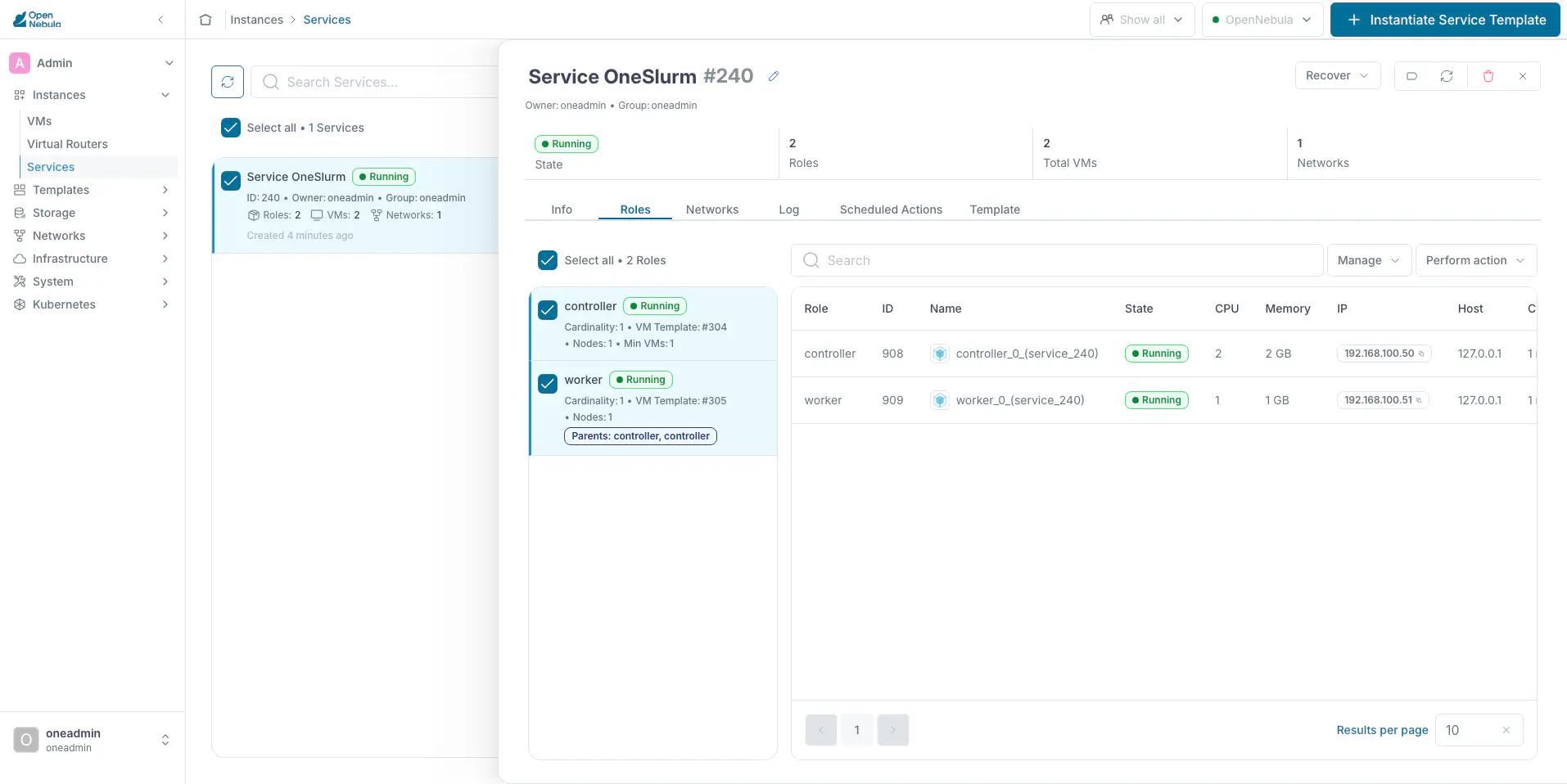
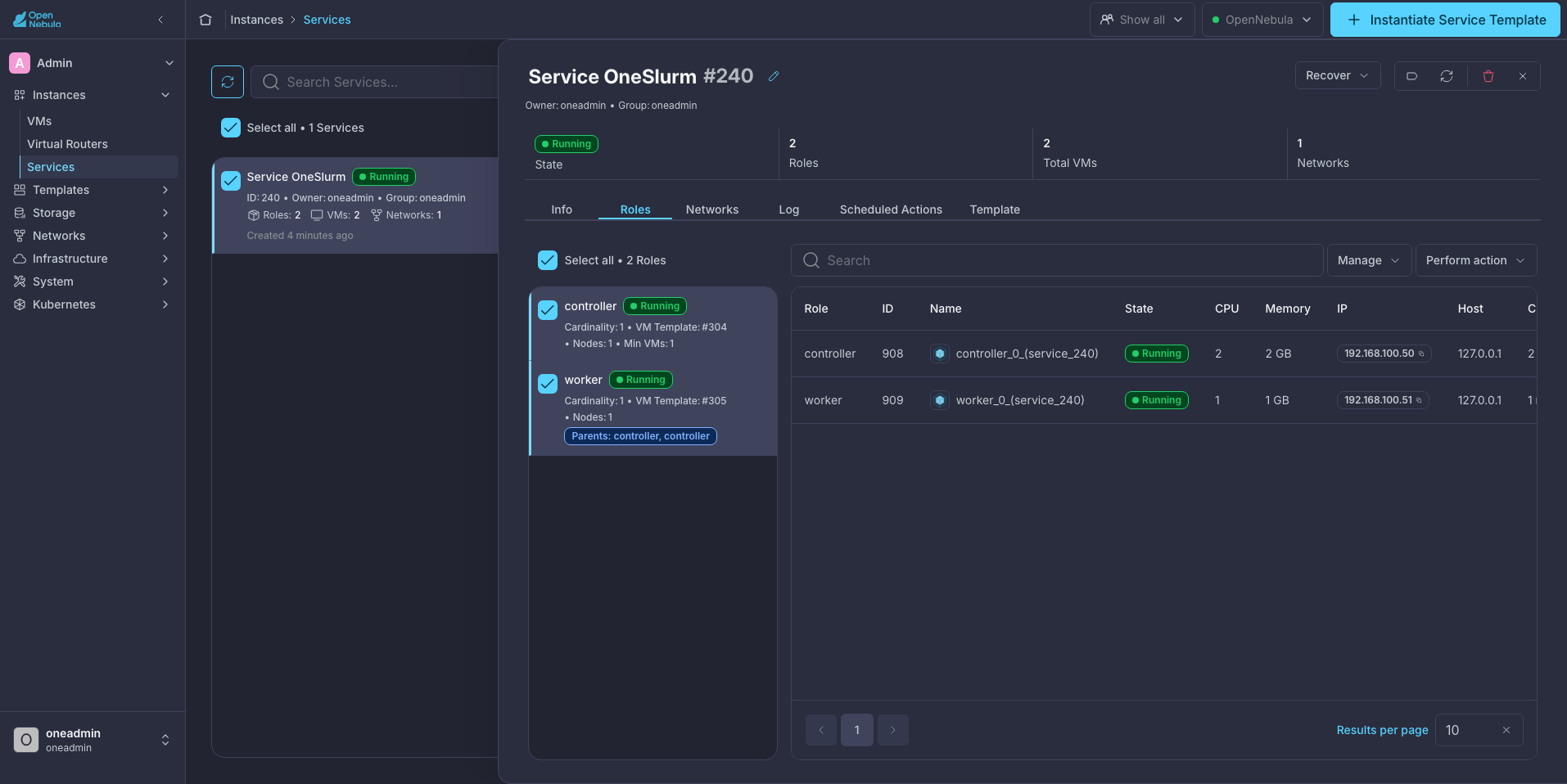
In Sunstone, go to Instances -> Services and open the OneSlurm service. The Roles tab shows the controller and the worker. Select both roles to see their VMs:
From the CLI:
oneflow list
  ID USER     GROUP    NAME                  STARTTIME STAT
 233 oneadmin oneadmin Service OneSlurm  10/07 14:42:30 RUNNING
onevm list -f NAME~'service_233' -l NAME,STAT
NAME                          STAT
worker_0_(service_233)        runn
controller_0_(service_233)    runn
Step 5: Run a First Job
Connect to the controller:
$ onevm ssh <CONTROLLER_VM_ID>Run
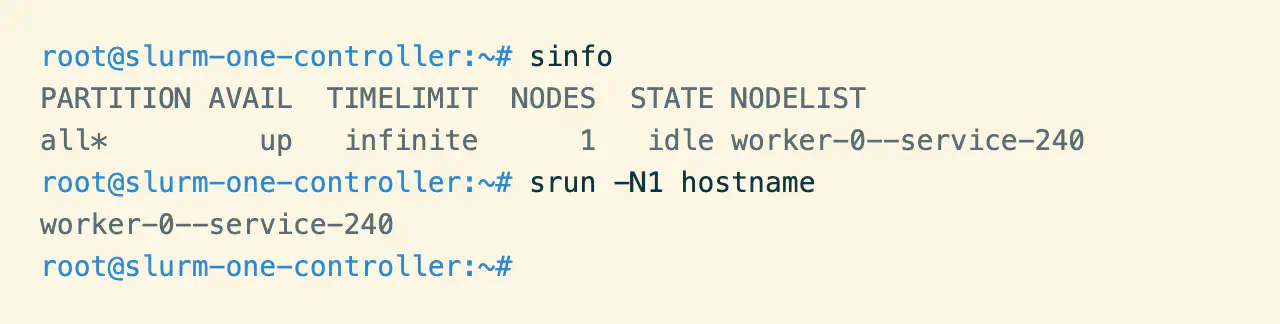
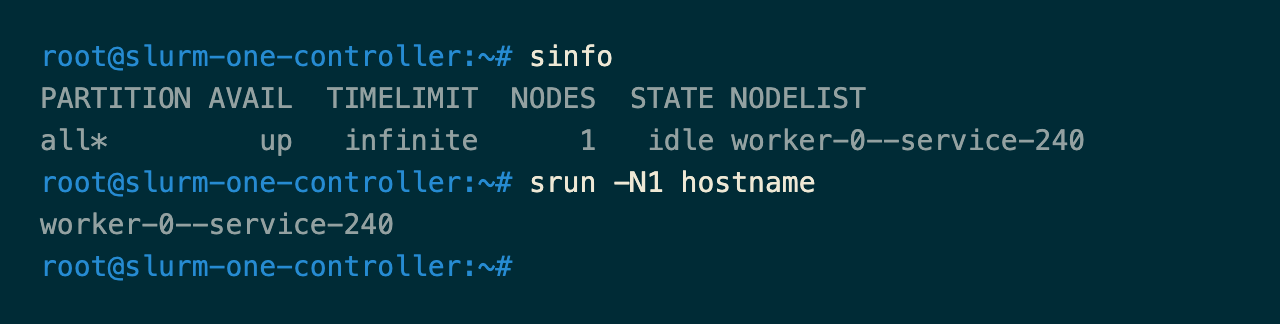
sinfo. The worker must be in theidlestate.Run a job on the worker with
srun -N1 hostname. It prints the name of the worker:
Next Steps
Now that you have an operational OneSlurm Cluster, you can scale the Cluster and manage users or storage:
- Add workers with
oneflow scale, as demonstrated in Cluster Lifecycle Management. - Add shared users with Identity Management.
- Add a shared
/homewith Shared Storage.
GIVE FEEDBACK
Was this resource helpful?
Glad to hear it
Sorry to hear that