Group Admin View
The role of a Group Admin is to manage all the virtual resources of the Group, including the creation of new users. It’s like a limited version of the cloud administrator view. You can read more about OpenNebula’s approach to Groups and VDC’s from the perspective of different user roles in Cloud Access Models and Roles.
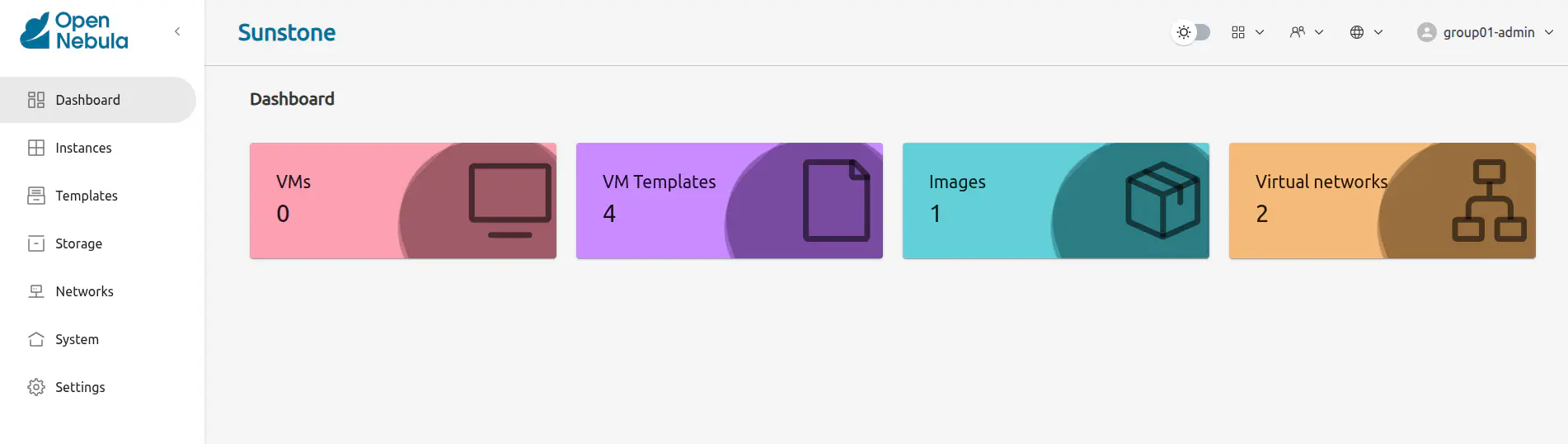
Manage Users
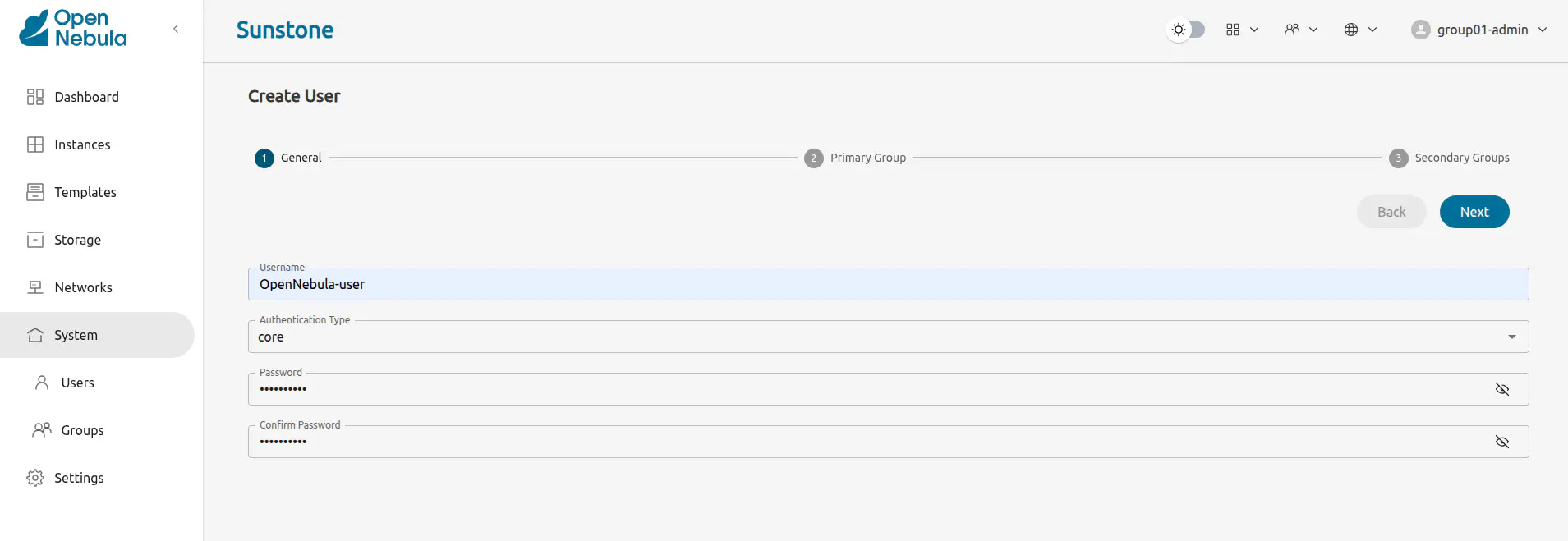
The Group Admin can create new user accounts that will belong to the same Group.
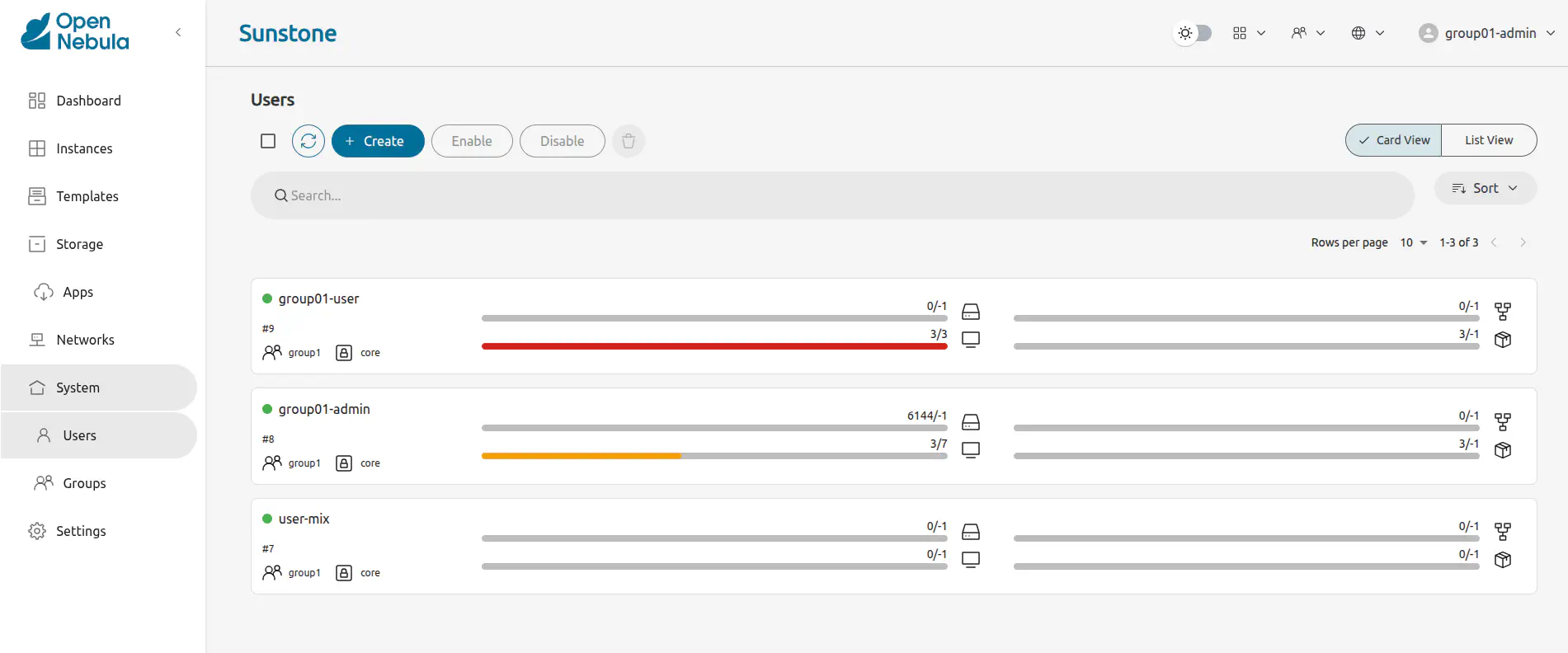
They can also see the current resource usage of all the Group users.
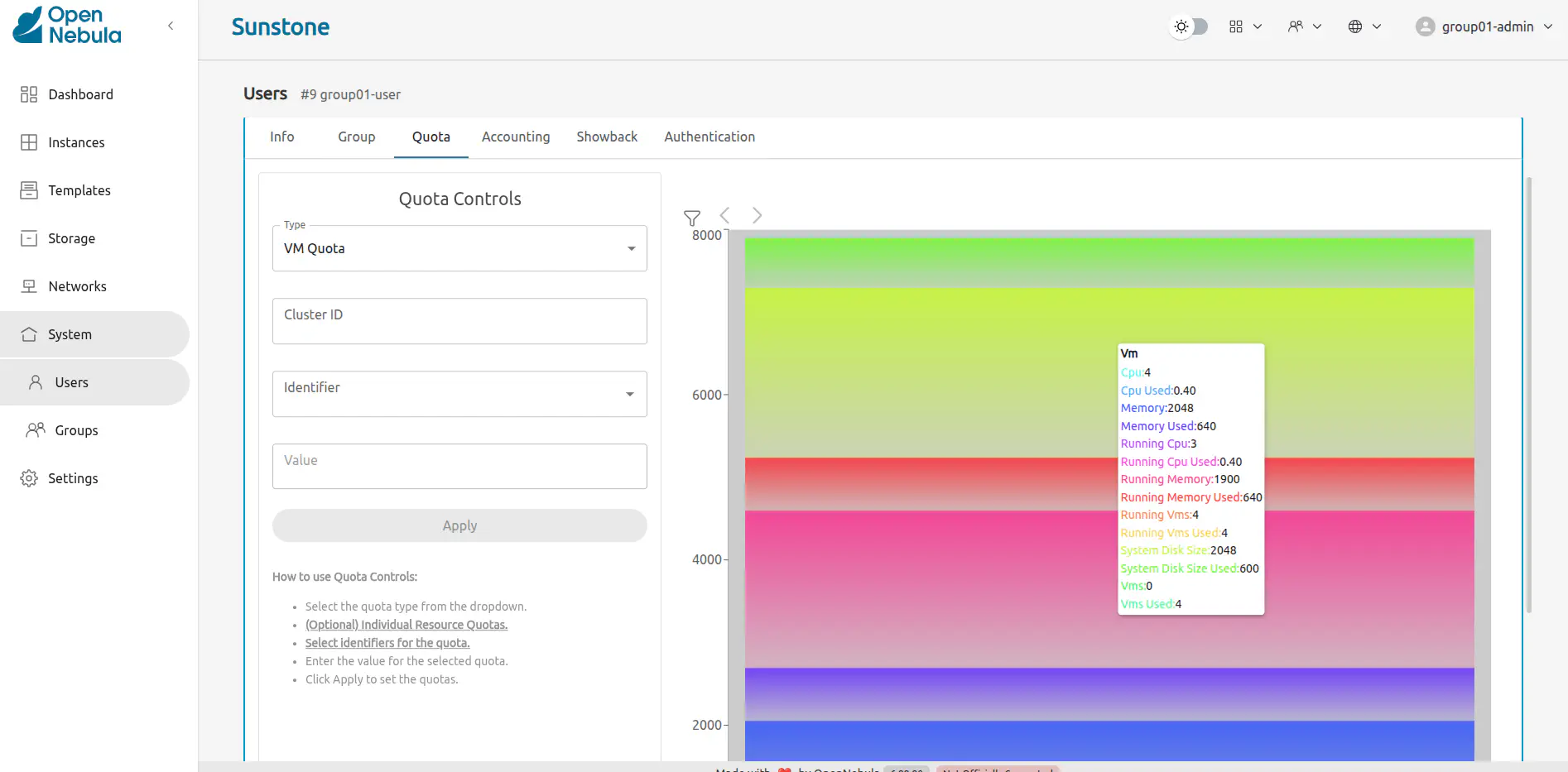
And set quota limits for each one of them. Read the Chapter about how to Usage Quotas for more information.
Manage Resources
The Group Admin can manage the Services, VMs, and Templates of other users in the Group.
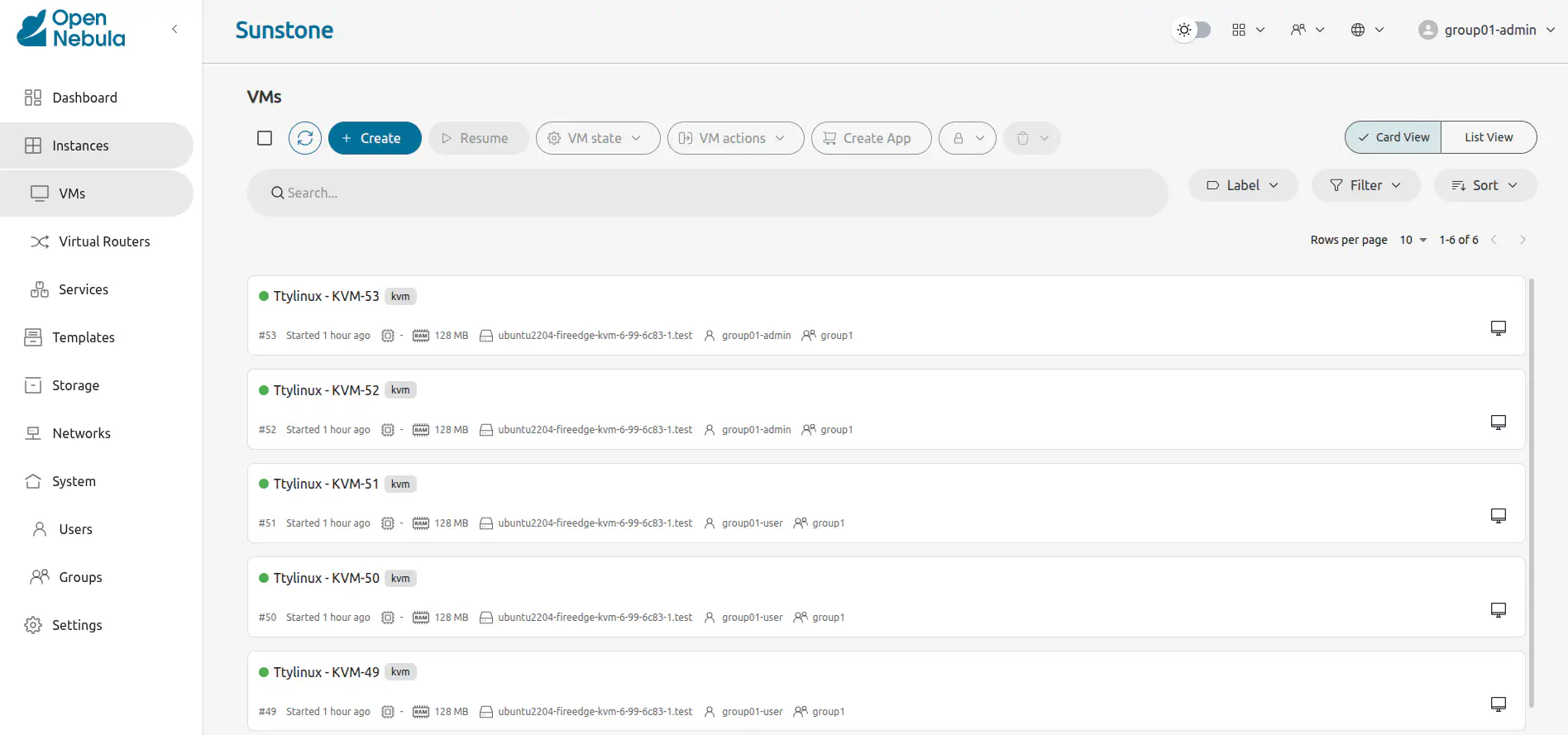
Create Resources
The Group Admin can create new resources in the same way as a regular user does from the Cloud view. The creation wizard for the VMs and Services are similar in the groupadmin and cloud views.
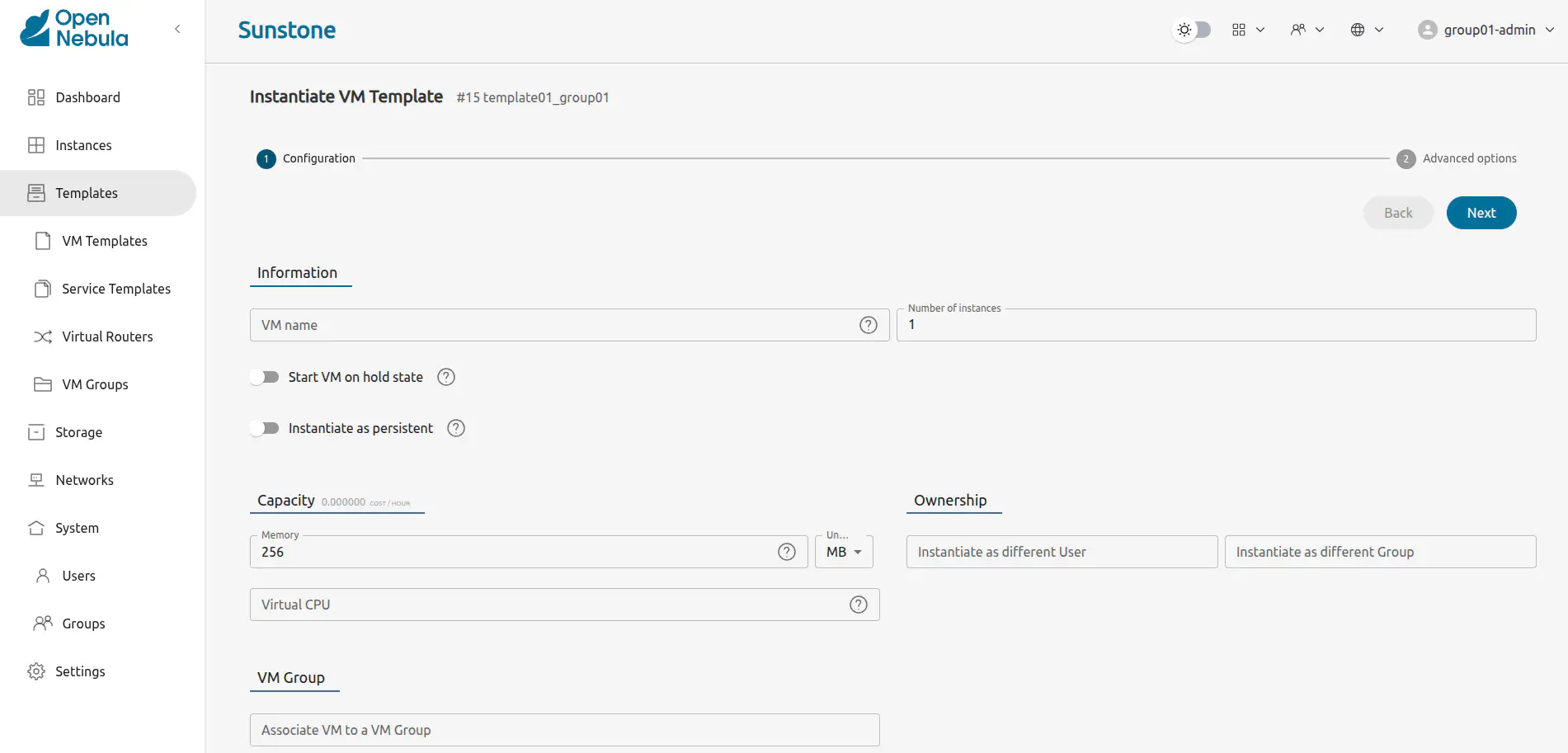
Prepare Resources for Other Users
Any user of the Cloud View or Group Admin View can save the changes made to a VM back to a new Template and use this Template to instantiate new VMs later. See the VM persistency options in the Cloud View for more information.
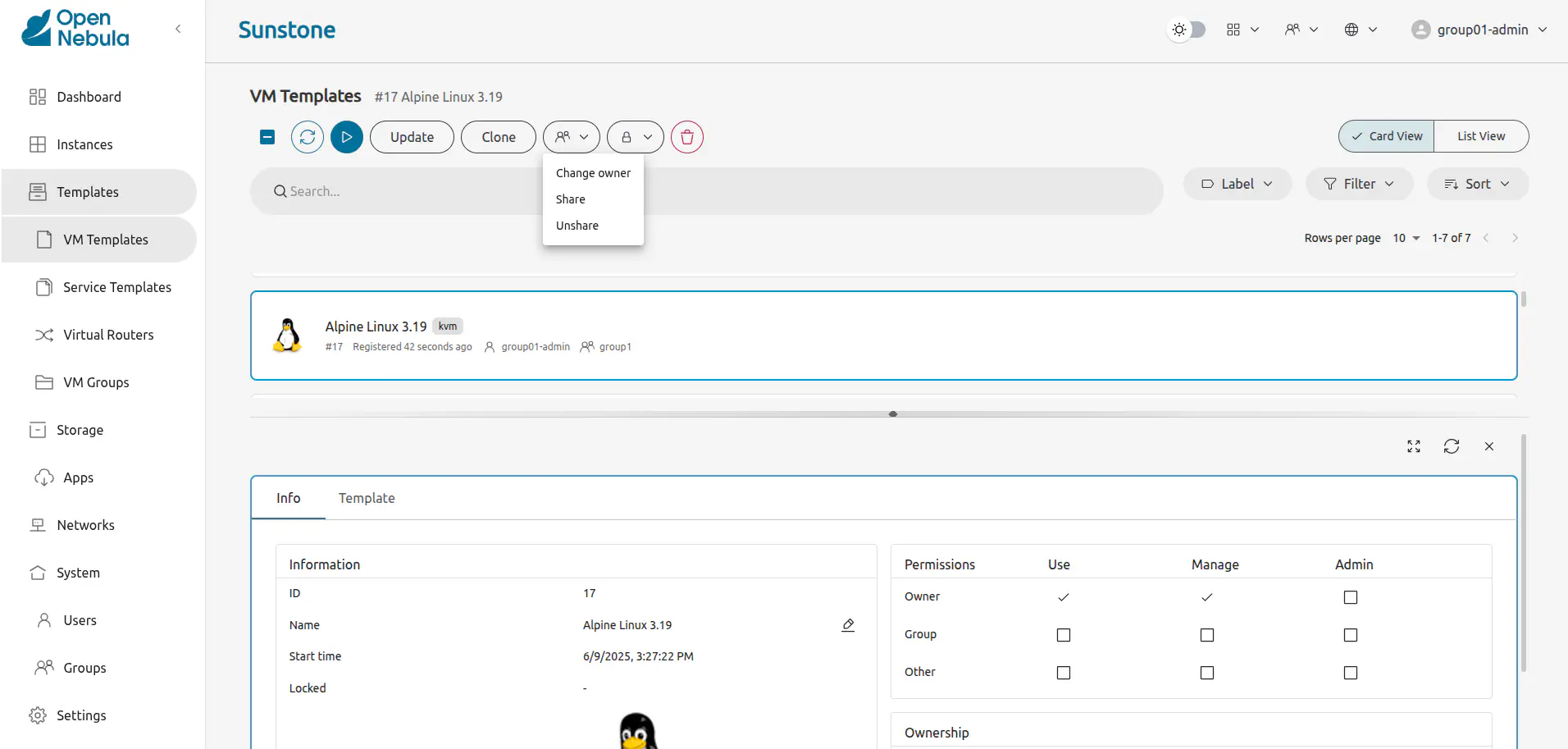
The Group Admin can also share his own Saved Templates with the rest of the Group.
For example, the Group Admin can instantiate a clean VM prepared by the cloud administrator, install software needed by other users in his Group, save it in a new Template, and make it available for the rest of the Group.
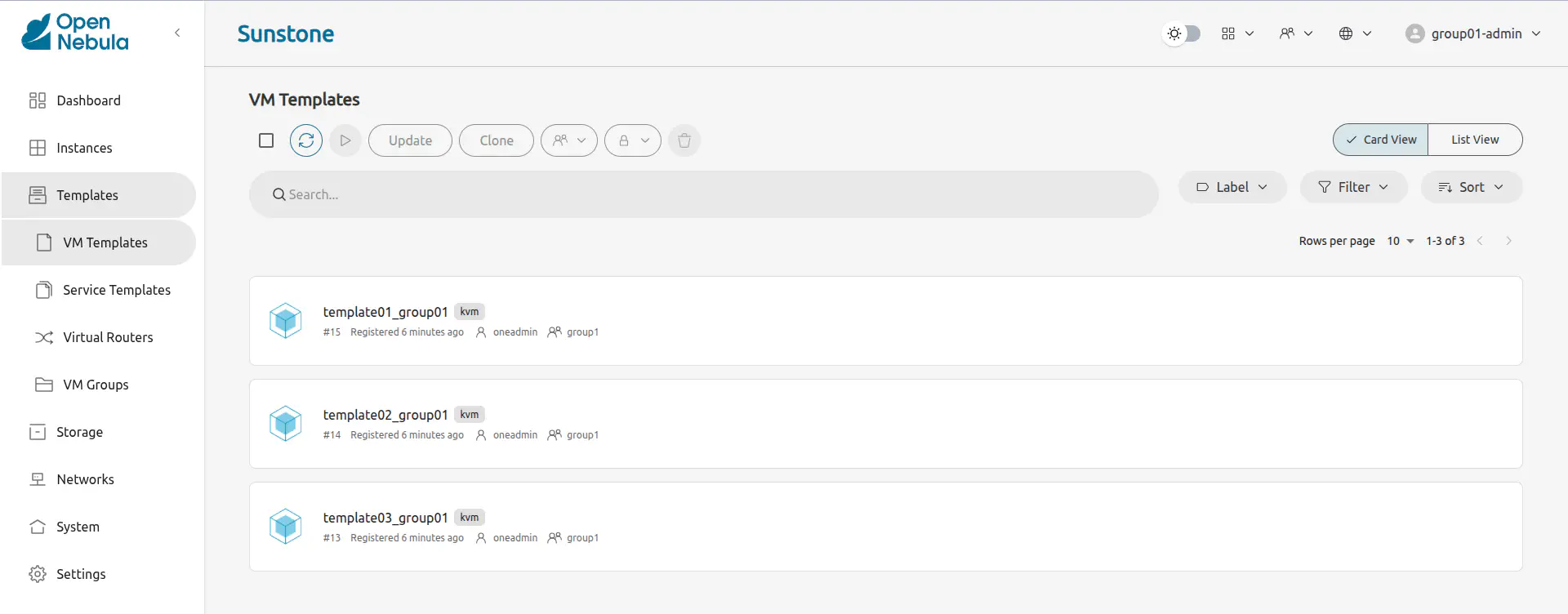
These shared templates will be listed to all the Group users in the VM creation wizard, marked as group. A Saved Template created by a regular user is only available for that user and is marked as mine.
Accounting and Showback
Group Accounting and Showback
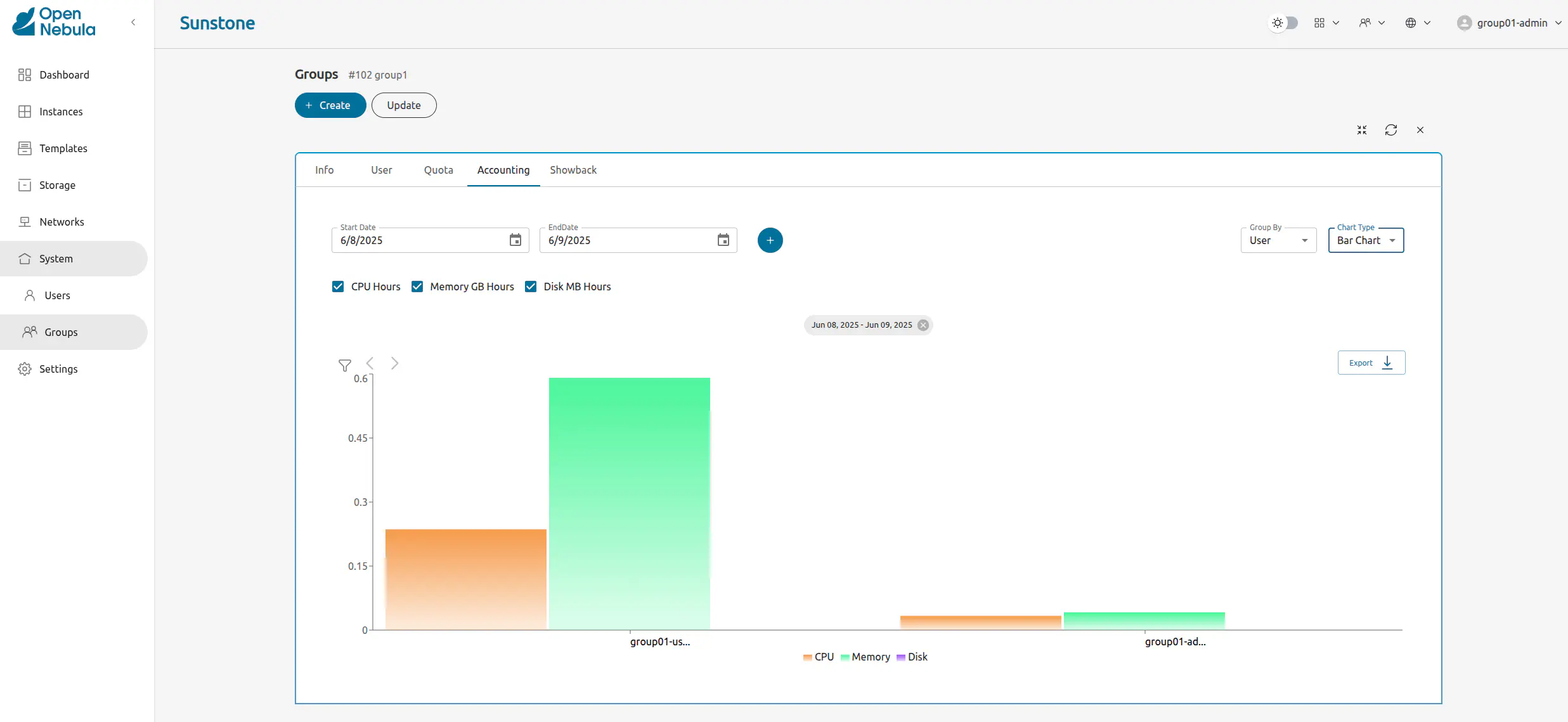
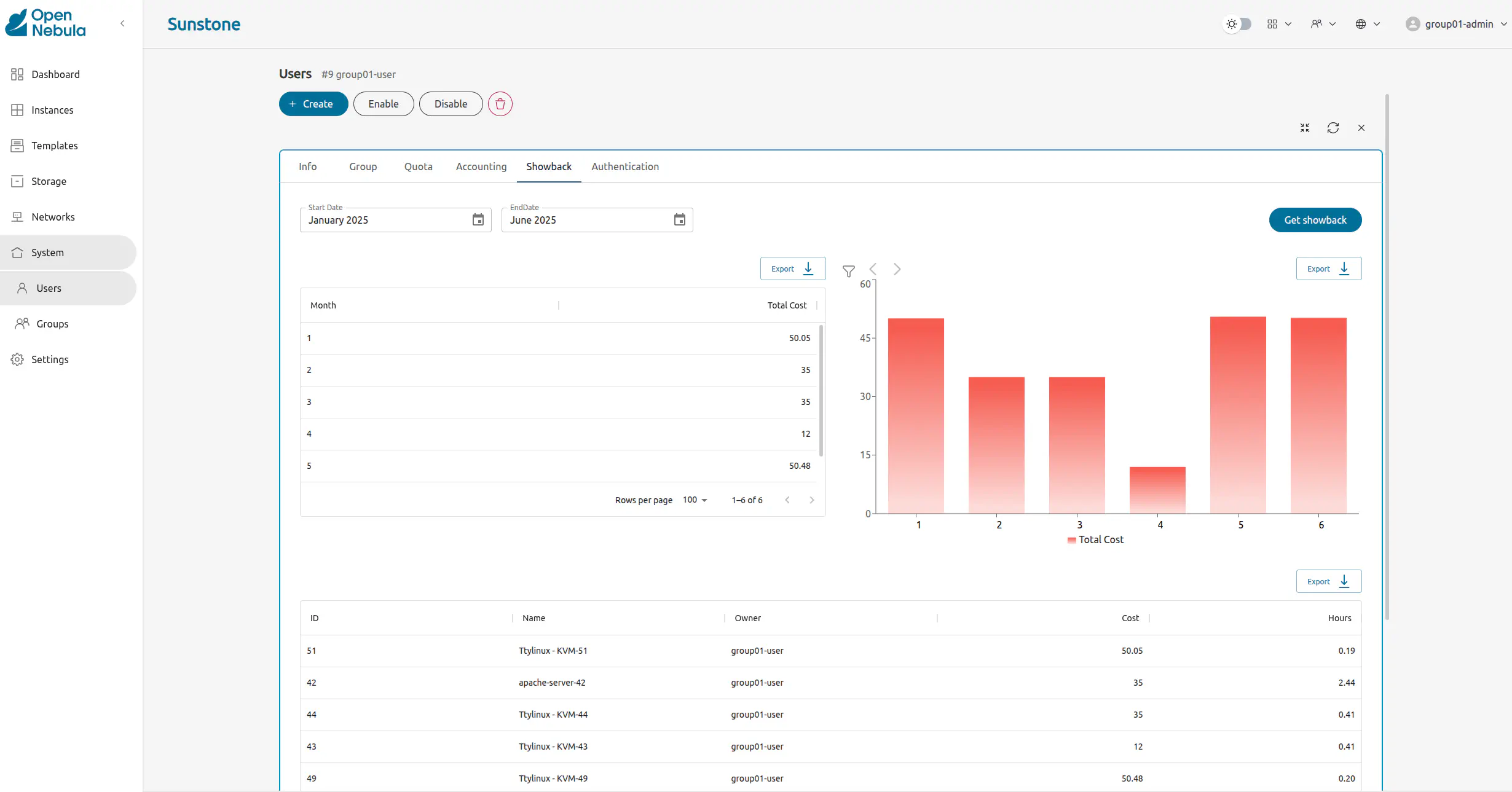
The Group info tab provides information about the resources usage, accounting and showback reports that can be generated. These records can be configured to report the usage per VM or per user for a specific range of time.
User Accounting and Showback
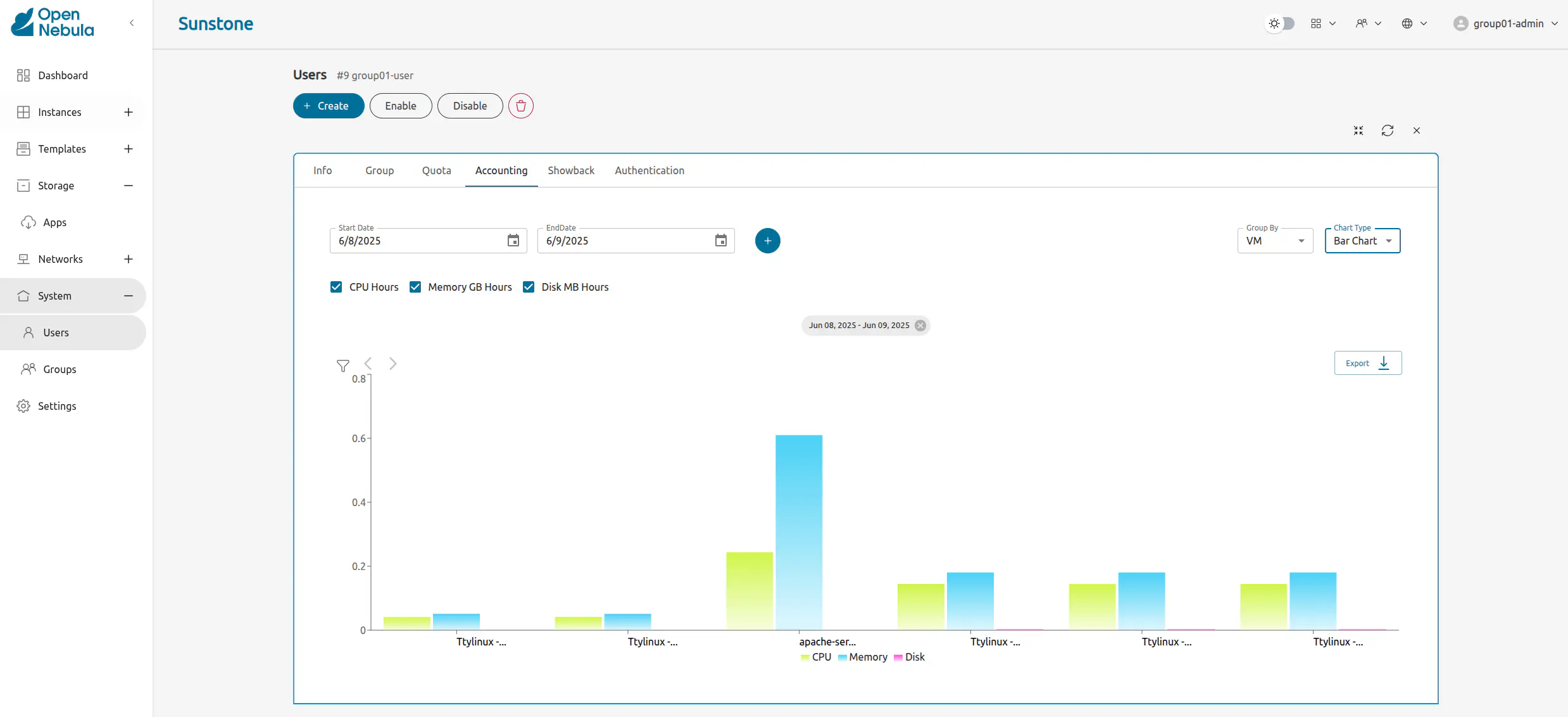
The detail view of the user provides information on their usage of resources, from this view accounting reports can be also generated for this specific user.
Networking
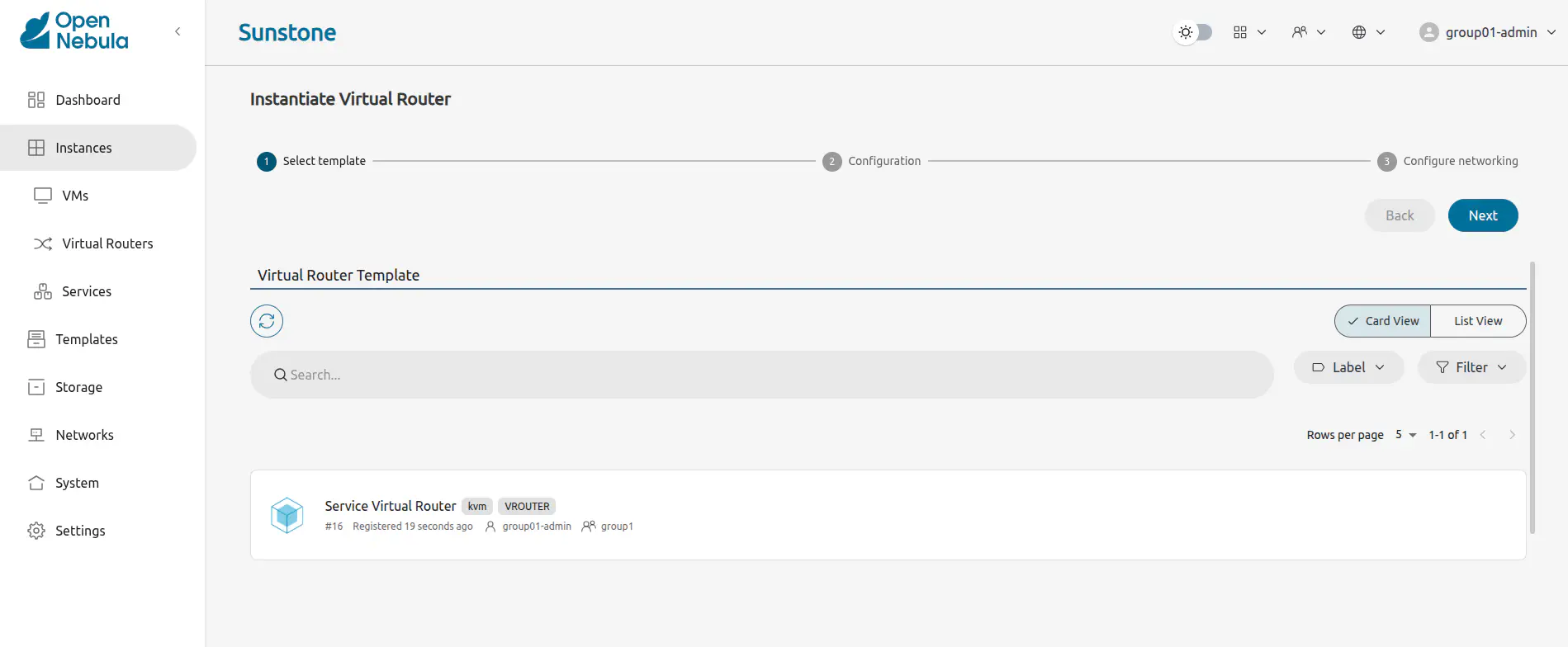
Group administrators can create Virtual Routers from Templates prepared by the cloud administrator. These virtual routers can be used to connect two or more of the virtual networks assigned to the Group.
GIVE FEEDBACK
Was this resource helpful?
Glad to hear it
Sorry to hear that