Managing Provisions
In OneForm, Provisions represent fully-deployed Clusters or infrastructure stacks. Each Provision is associated with a specific cloud or on-premises Provider and contains OpenNebula resources such as Hosts, datastores, and Virtual Networks.
Here you will find details on how to:
- Scale existing Provisions by adding or removing hosts
- Manage public IP assignments
- Retry or deprovision failed Provisions
- Monitor and control Provision lifecycles through the CLI
Scaling Provisions
Select the tab for your preferred interface to view the procedure to scale Provisions:
In the Sunstone interface, go to Infrastructure -> Clusters and select the Cluster you want to scale. Open the Host tab:
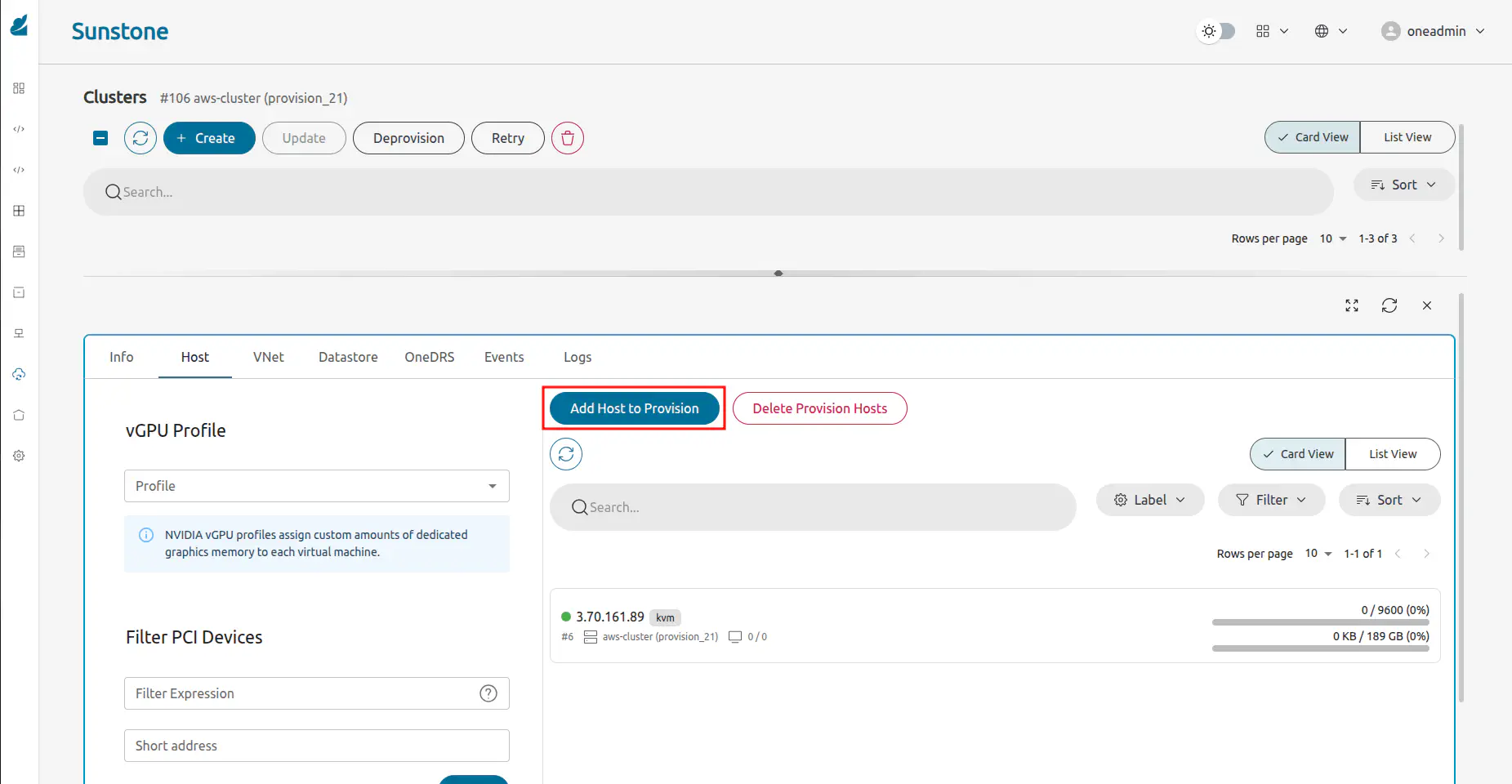
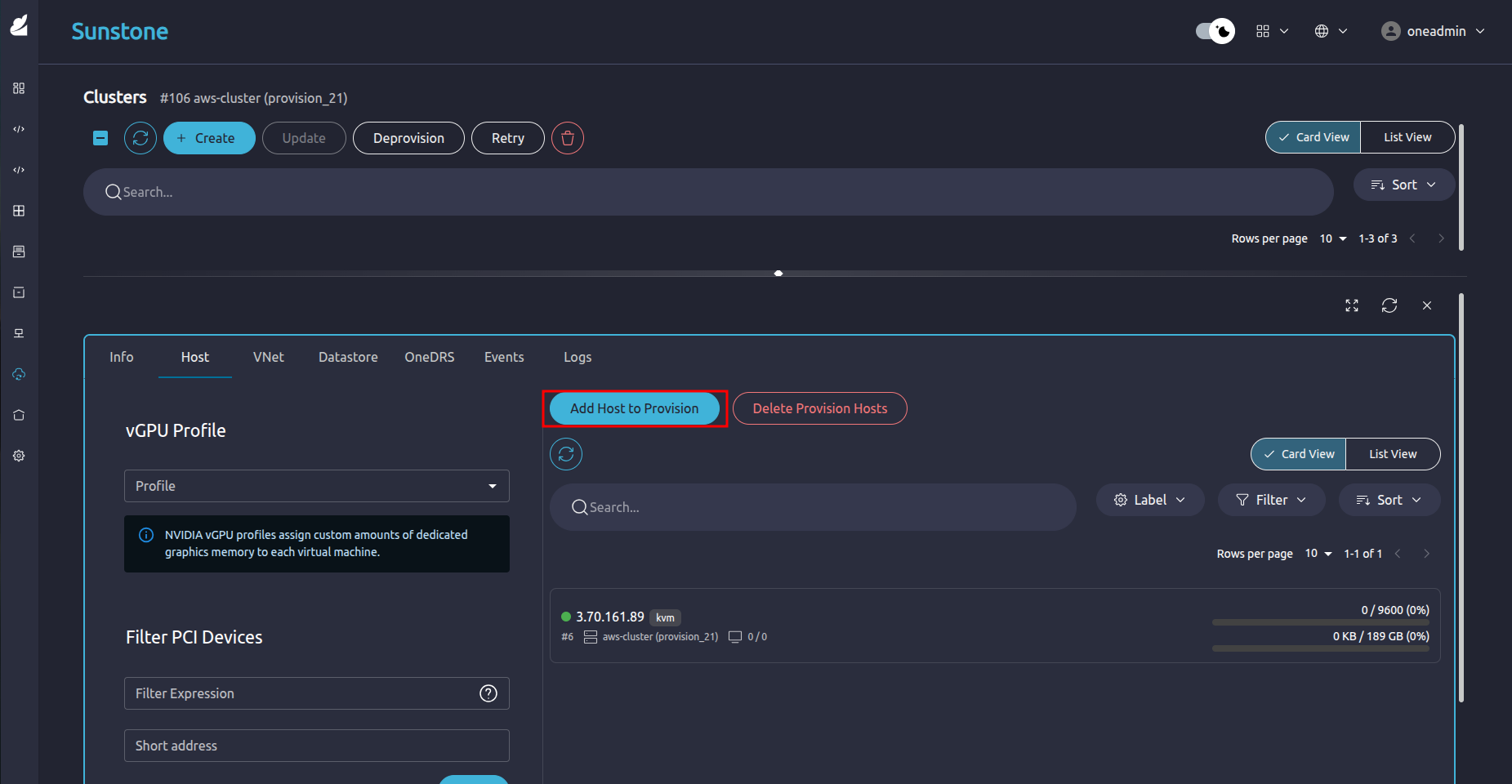
To increase the number of hosts in a running Provision, use oneprovision add-host. Alternatively, execute oneprovision del-host command to decrease hosts. These operations trigger an update of the infrastructure through Terraform and Ansible.
Do not set --amount and --host-ids simultaneously since the operation will fail. You must choose one method of scaling at a time:
Add Hosts:
oneprovision add-host <provision_id> --amount <number_of_hosts>Example:
oneprovision add-host 42 --amount 2Remove Hosts:
oneprovision del-host <provision_id> --host-ids <id1,id2,...>Example:
oneprovision del-host 42 --host-ids 105,106
Use the following example requests, replacing the appropriate parameters for your Provision:
- Add Hosts
curl -X POST "https://oneform.example.server/api/v1/provisions/<id>/scale" \
  -u "username:password" \
  -H "Content-Type: application/json" \
  -d '{
    "direction": "up",
    "nodes": 2
  }'
- Remove Hosts
curl -X POST "https://oneform.example.server/api/v1/provisions/<id>/scale" \
  -u "username:password" \
  -H "Content-Type: application/json" \
  -d '{
    "direction": "down",
    "nodes": [ "node1" ],
    "opts": {
      "force": true
    }
  }'
For further details about the API, see the OneForm API Reference.
Managing Public IPs
Select the tab for your preferred interface to view the procedure to manage public IPs:
In the Sunstone interface, go to Infrastructure -> Clusters and select the Cluster you want to scale. Open the VNet tab and click Add public IPs:
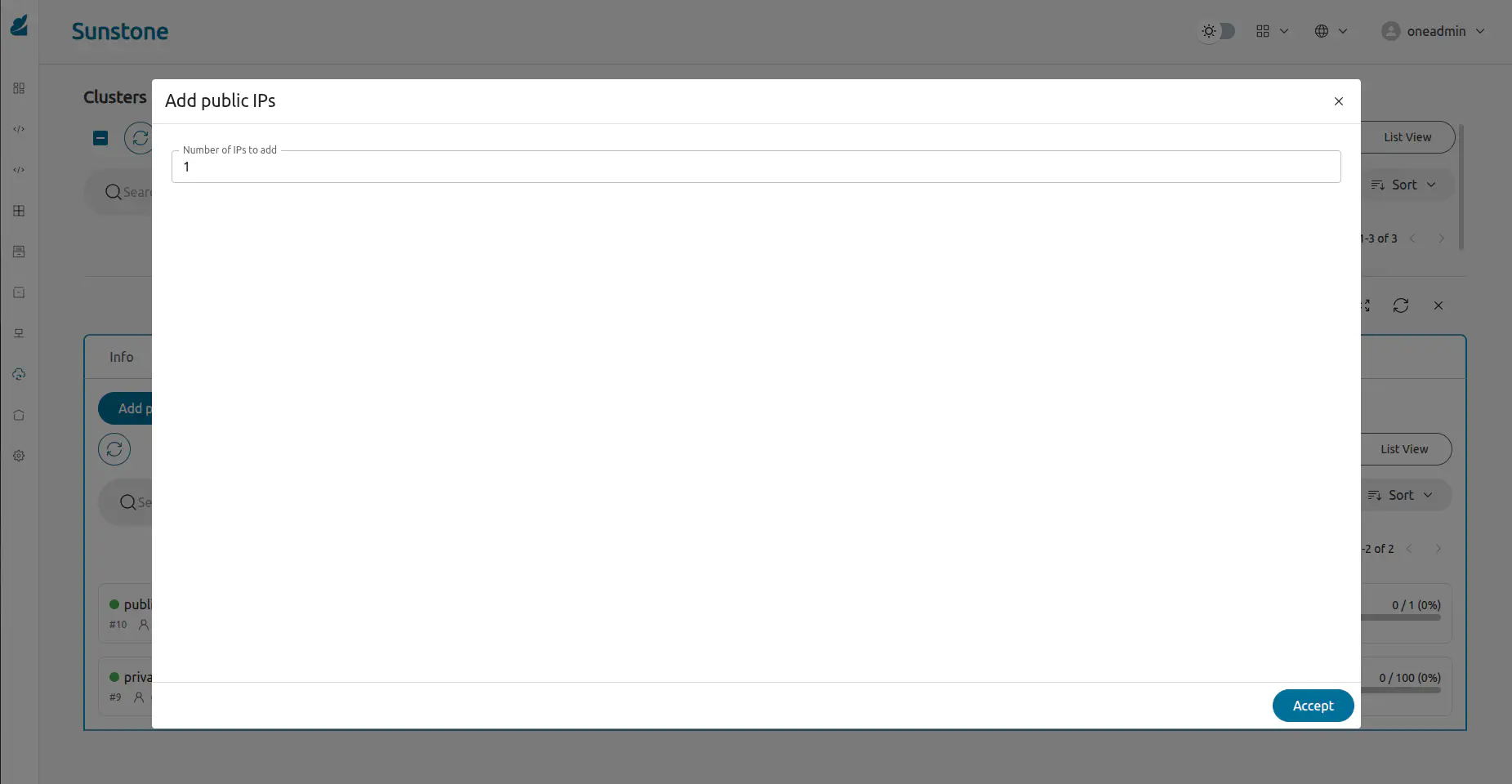
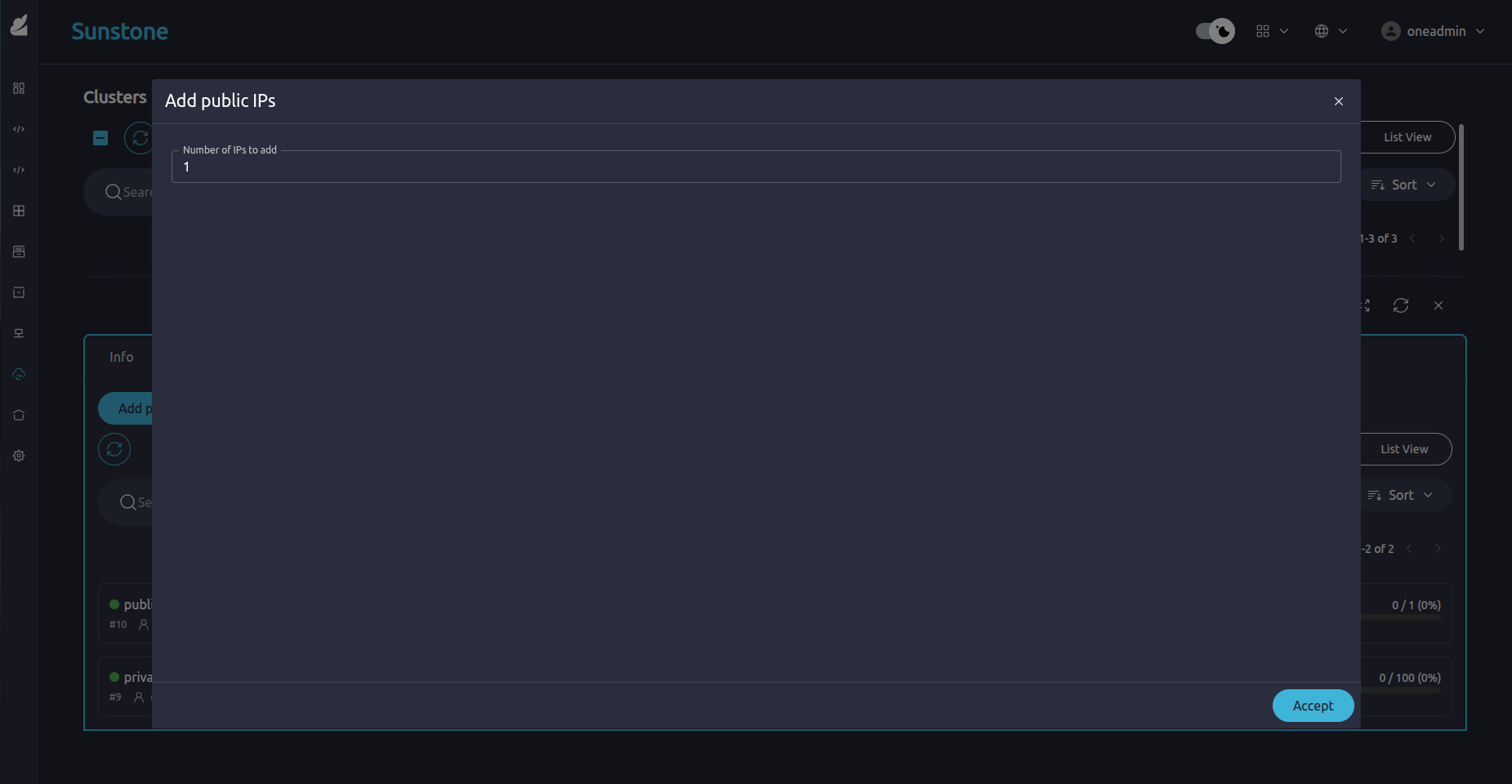
For Provisions that support public networking like AWS and Equinix, dynamically manage Elastic IPs through the following commands:
Add Public IPs
oneprovision add-ip <provision_id> --amount <number_of_ips>Example:
oneprovision add-ip 42 --amount 1Remove a Public IP by Address Range (AR ID)
oneprovision remove-ip <provision_id> <ar_id>Example:
oneprovision remove-ip 42 7
To view current IP allocations, run oneprovision show <id> and inspect the associated public network address ranges (ARs).
Use the following example requests, replacing the appropriate parameters for your Provision:
- Add Public IPs
curl -X POST "https://oneform.example.server/api/v1/provisions/<id>/add-ip" \
  -u "username:password" \
  -H "Content-Type: application/json" \
  -d '{
    "amount": 3
  }'
- Remove a Public IP
curl -X POST "https://oneform.example.server/api/v1/provisions/<id>/remove-ip" \
  -u "username:password" \
  -H "Content-Type: application/json" \
  -d '{
    "ar_id": 42
  }'
For further details about the API, see the [OneForm API Reference](/7.2/product/integration_references/system_interfaces/oneform_api/).
Retrying Failed Provisions
Retrying a Provision is a non-destructive operation that attempts to resume from the last recoverable state within its internal lifecycle.
In the Cluster Logs view, if a Cluster installation fails. Click the Retry icon in the top right hand corner of the page:
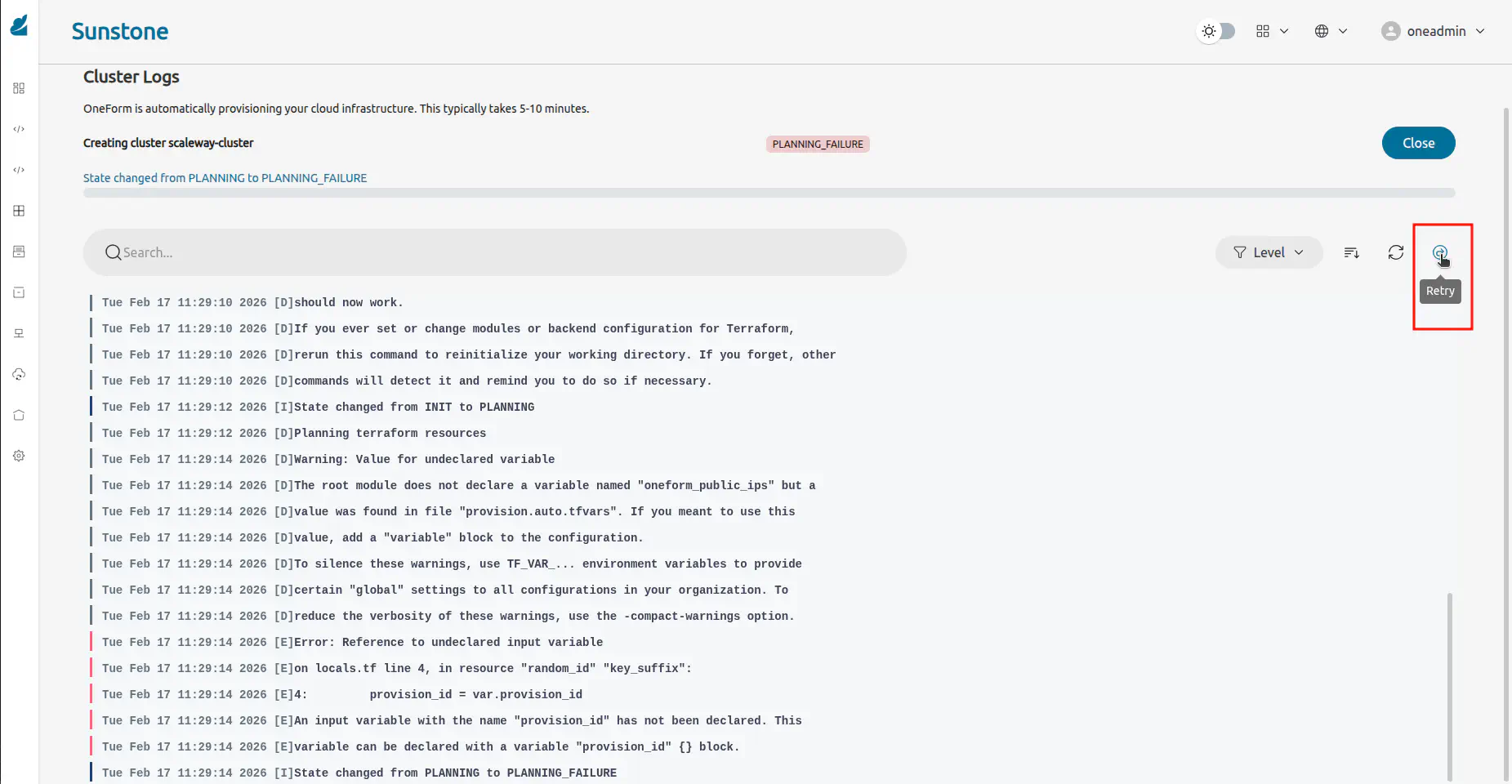
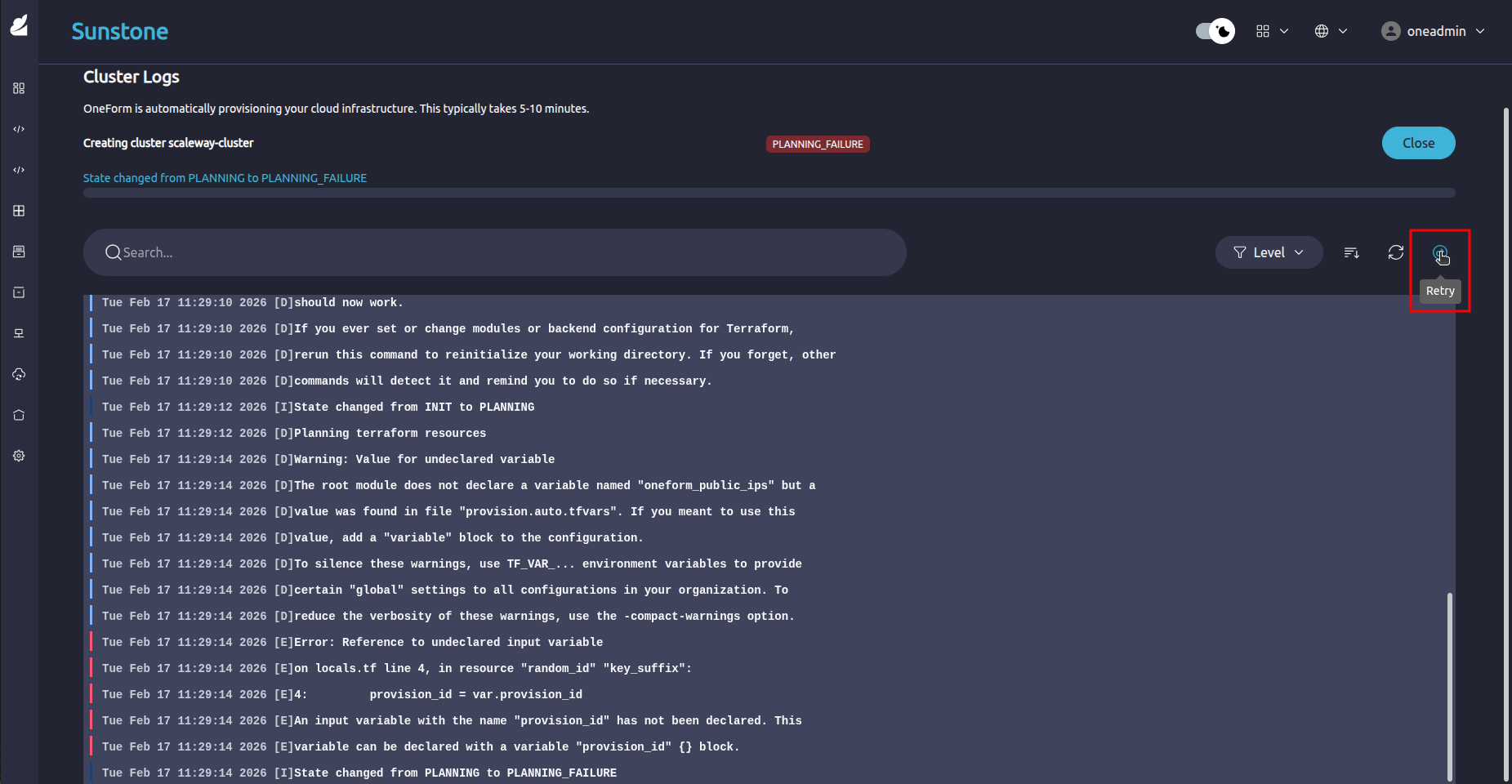
If a Provision fails during deployment, attempt recovery by re-triggering the failed step:
oneprovision retry <provision_id>
To force a retry even if the Provision is in an unexpected state:
oneprovision retry <provision_id> --force
Use the following example request, replacing the appropriate parameters for your Provision:
curl -X POST "https://oneform.example.server/api/v1/provisions/<id>/retry" \
  -u "username:password" \
  -H "Content-Type: application/json" \
  -d '{}'
For further details about the API, see the OneForm API Reference.
Deprovisioning a Cluster
Deprovisioning a Cluster triggers the following actions:
- Terraform destroy
- Ansible cleanup tasks
- OpenNebula object removal
Select the tab for your preferred interface to view the procedure to deprovision a Cluster:
In the Sunstone interface, go to Infrastructure -> Clusters and select the Cluster you want to deprovision. Click Deprovision and then Accept:
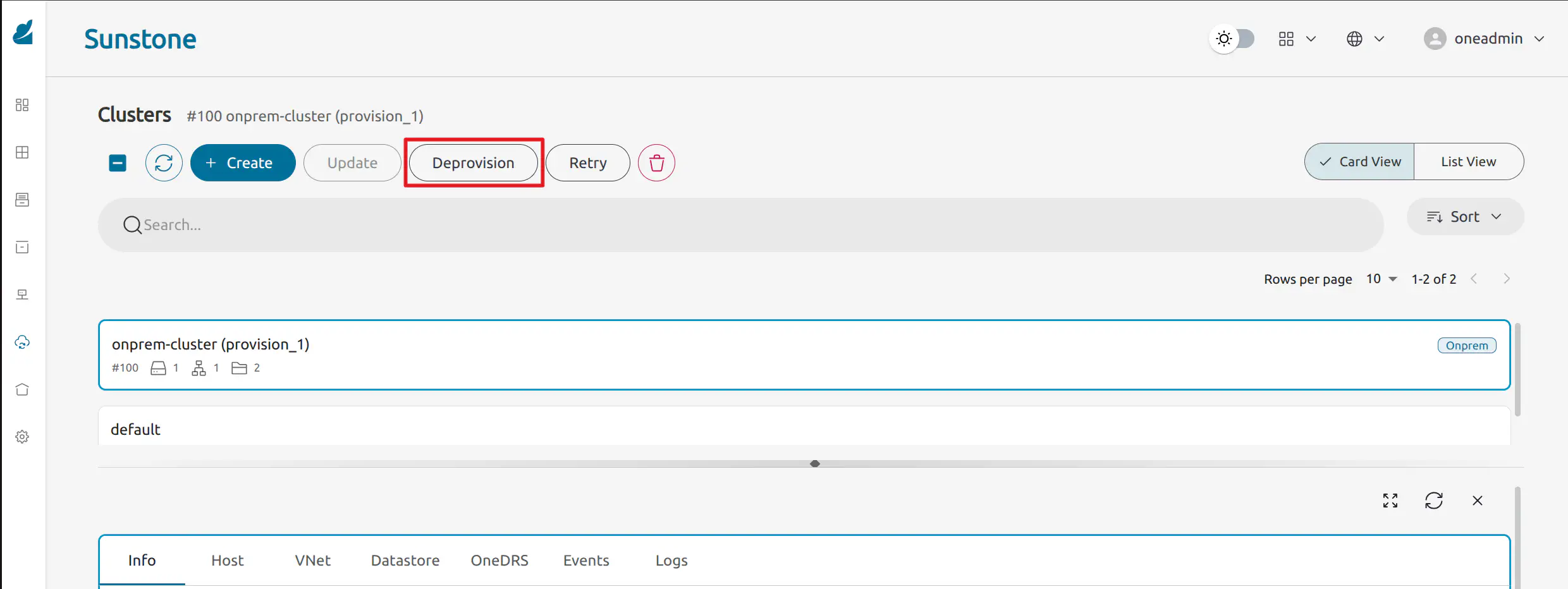
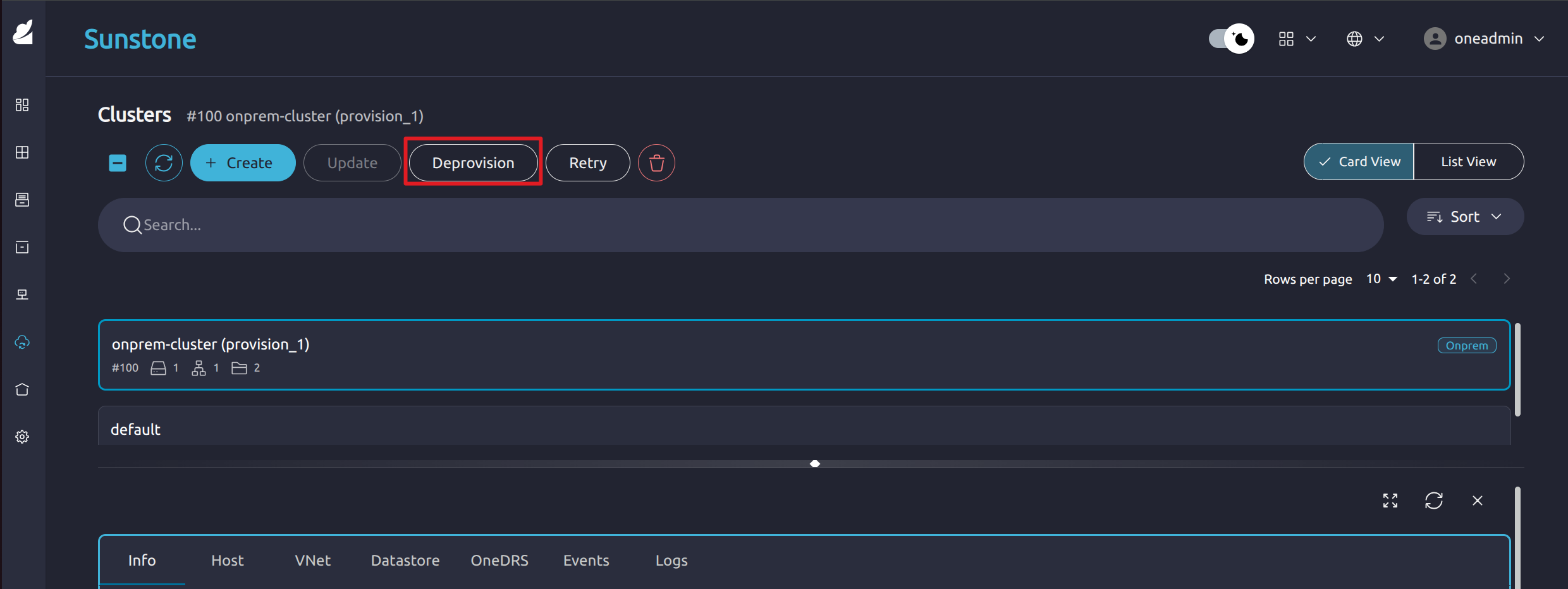
To undeploy all the infrastructure associated with a Provision, as well as remove its corresponding OpenNebula resources, run:
oneprovision deprovision <provision_id>
curl -X POST "https://oneform.example.server/api/v1/provisions/<id>/undeploy" \
  -u "username:password" \
  -H "Content-Type: application/json" \
  -d '{
    "force": true
  }'
For further details about the API, see the OneForm API Reference.
GIVE FEEDBACK
Was this resource helpful?
Glad to hear it
Sorry to hear that