Sunstone Labels
Labels can be defined for most of the OpenNebula resources from the Admin view.
Depending on the type of label used, the label information will be stored under either the user or group template.
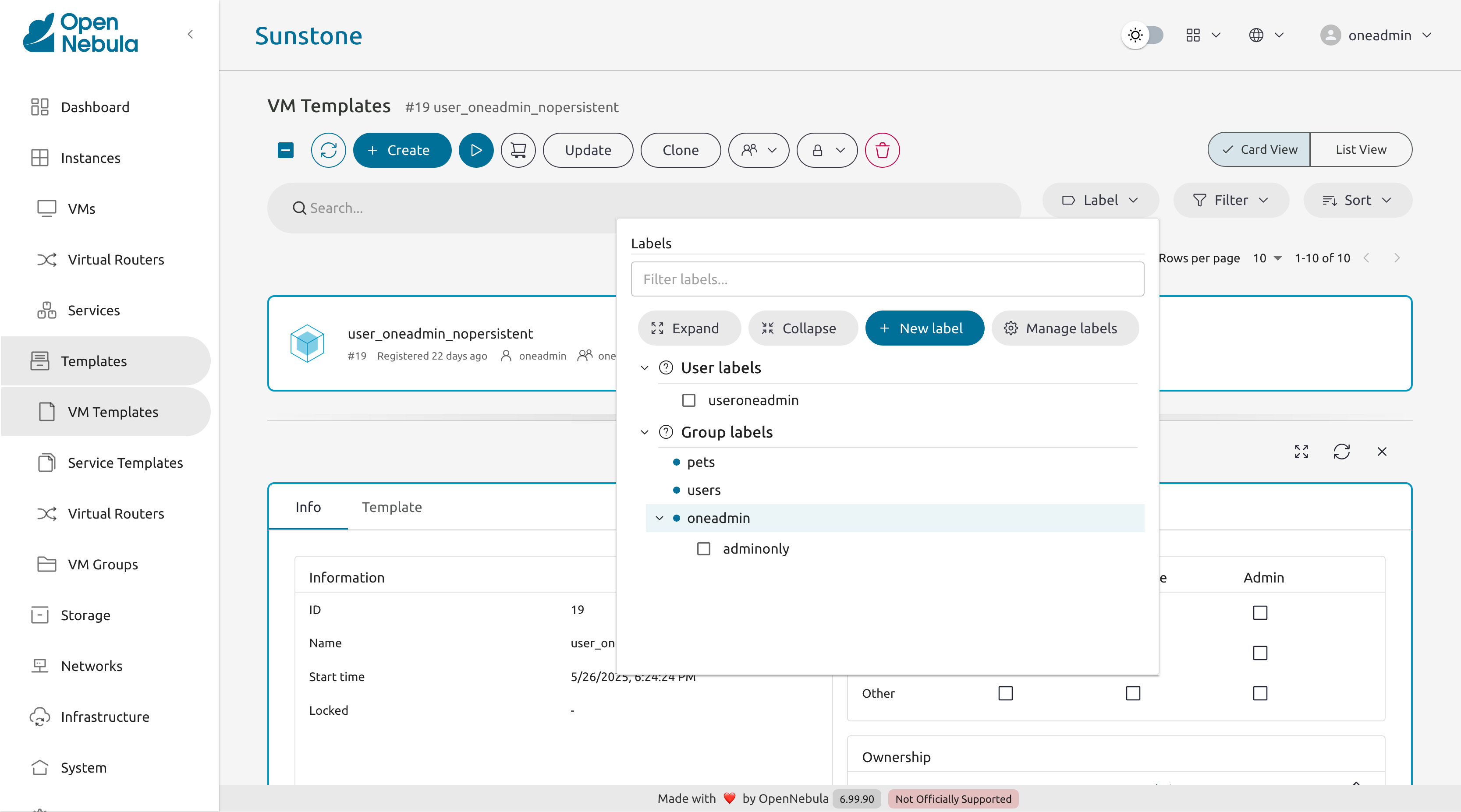
This feature enables the possibility to group the different resources under a given label and filter them in the Admin and Cloud views. The user will be able to easily find the template to instantiate _or select a set of resources to apply a given action.
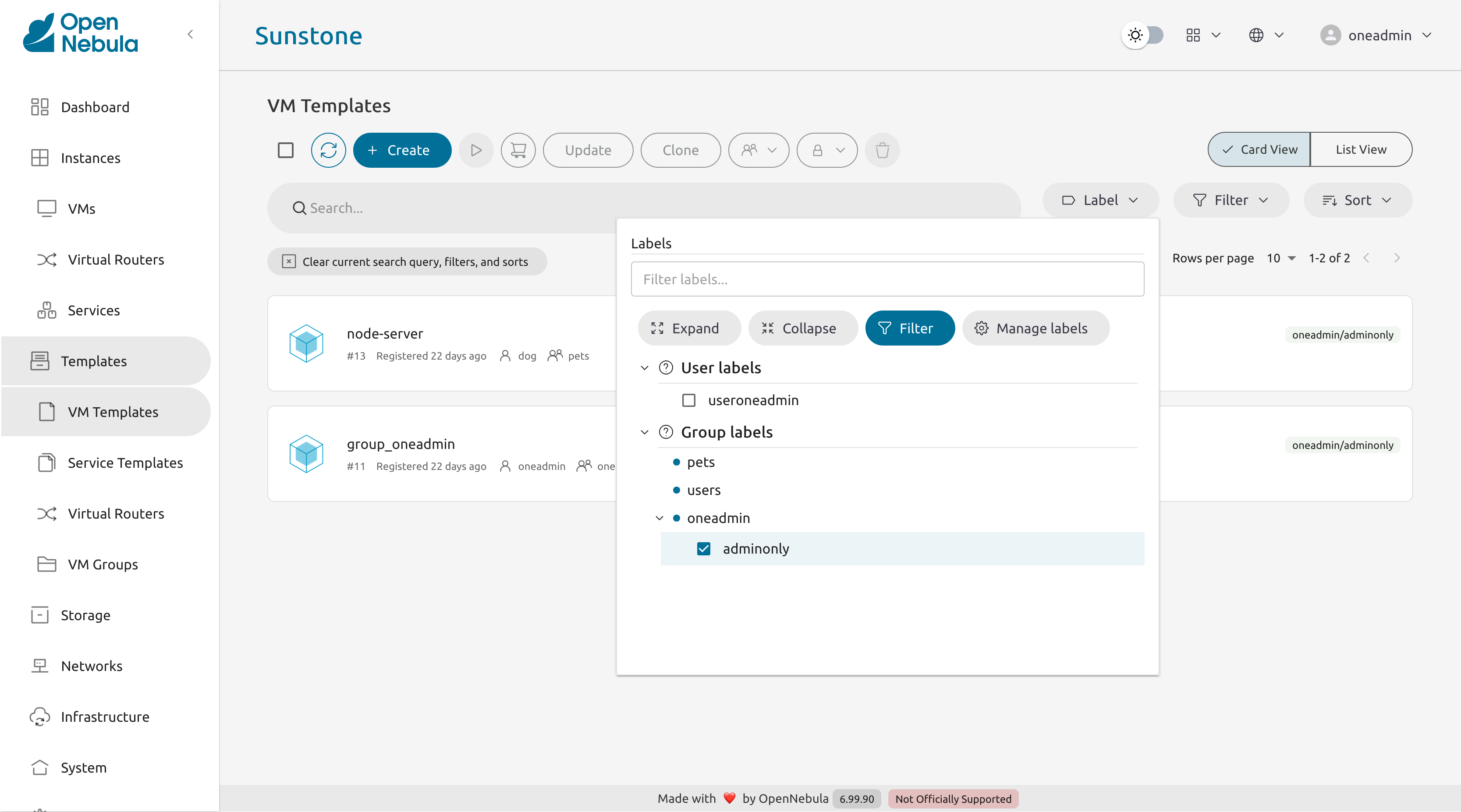
Label creation
To create a label, select one or more resources, then press the New label button.
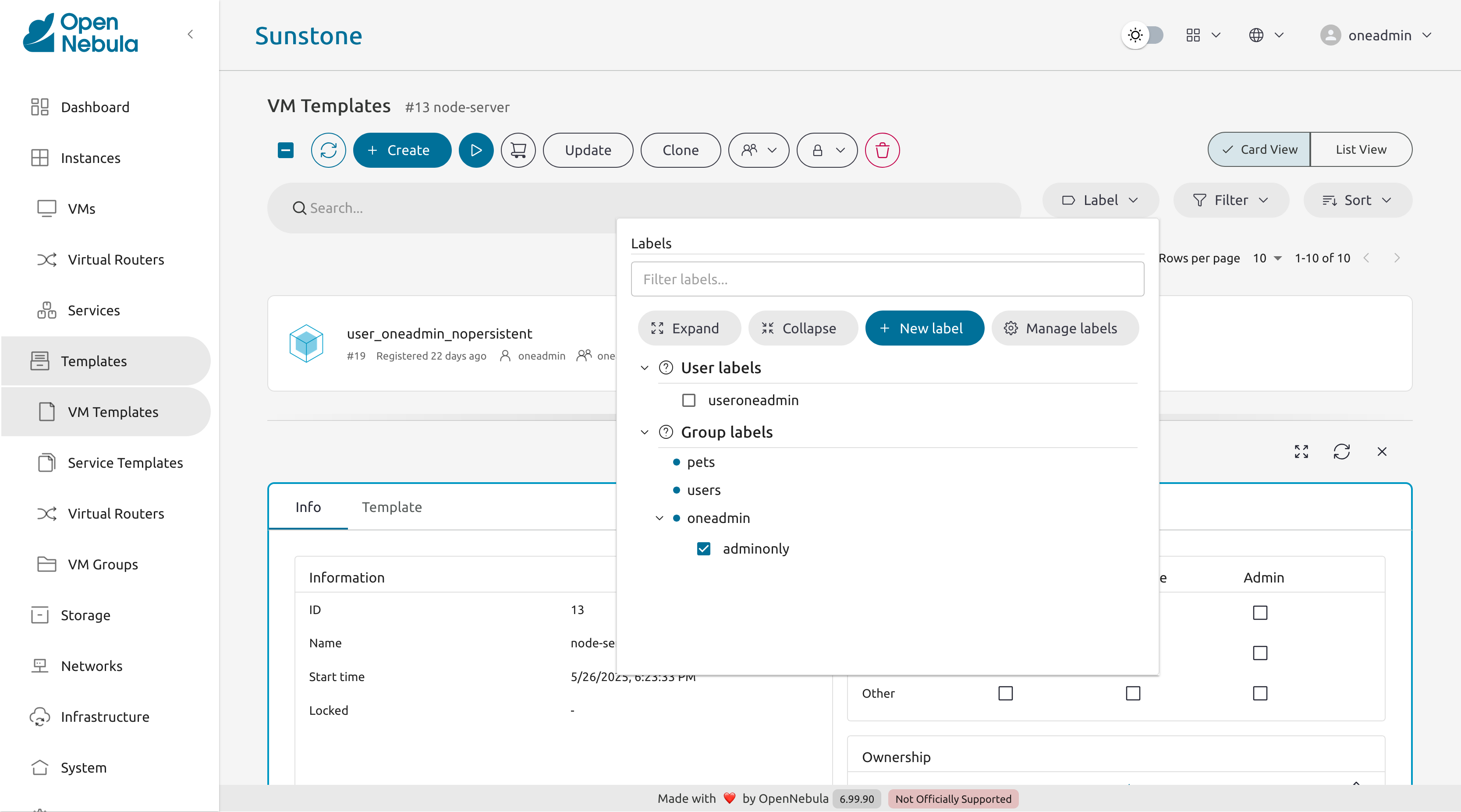
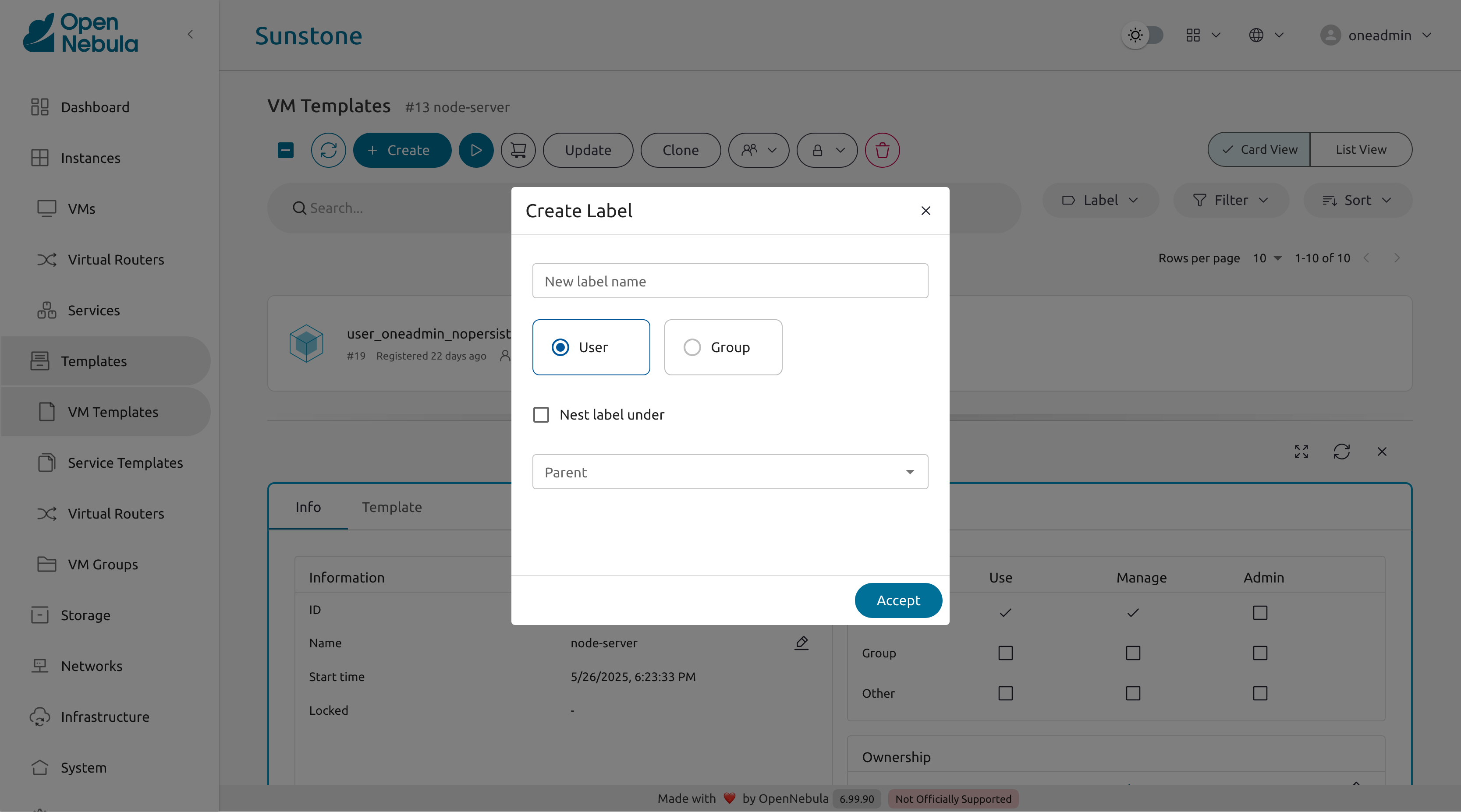
This will open the Create Label modal, which can be used to create user and group labels.
 Warning
Only group admins can apply and create group labels. However they will still be visible to all members of the group.
This will open the Create Label modal, which can be used to create user and group labels.
Warning
Only group admins can apply and create group labels. However they will still be visible to all members of the group.System labels
In order to create a set of labels that will be displayed to all users across all groups, you can define a public group, which will be used to store this information.
onegroup create "systemLabels"
#ID: 100
Then define a broad ACL, allowing all users to access this group with USE permissions:
oneacl create "* GROUP/#100 USE"
#ID: 10
Now all users will have USE permissions on this group, even though they aren’t a member of this group. This means they can read the group’s template data, which Sunstone uses when displaying labels to users. For more fine-grained control you can create different groups for storing labels and regulate their access level using the ACLs.
 Tip
Tip
In order to allow a user to control the system labels, they can be added to the “system labels” group with group admin permissions.Default labels
In order to define a set of default labels that will be used to populate either a user or groups template, one can use the following configuration file.
For example to create a persistent system label, the following configuration can be applied:
group:
  system labels:
    public:
      virtual-network:
        - "1"
        - "2"
    private:
      virtual-network:
        - "3"
        - "4"
Tip
A user will only see the labels on the resources they have access to, meaning it is fine to be overly-expressive here, as this does not affect the resource permissions in any way.The following list of resource names can be used:
marketplace-appbackupdatastorehostimagesecurity-groupvirtual-data-centervroutervrouter-templatevm-templatevmvirtual-networkbackupjobs
We value your feedback
Was this information helpful?
Glad to hear it
Sorry to hear that